In this guide
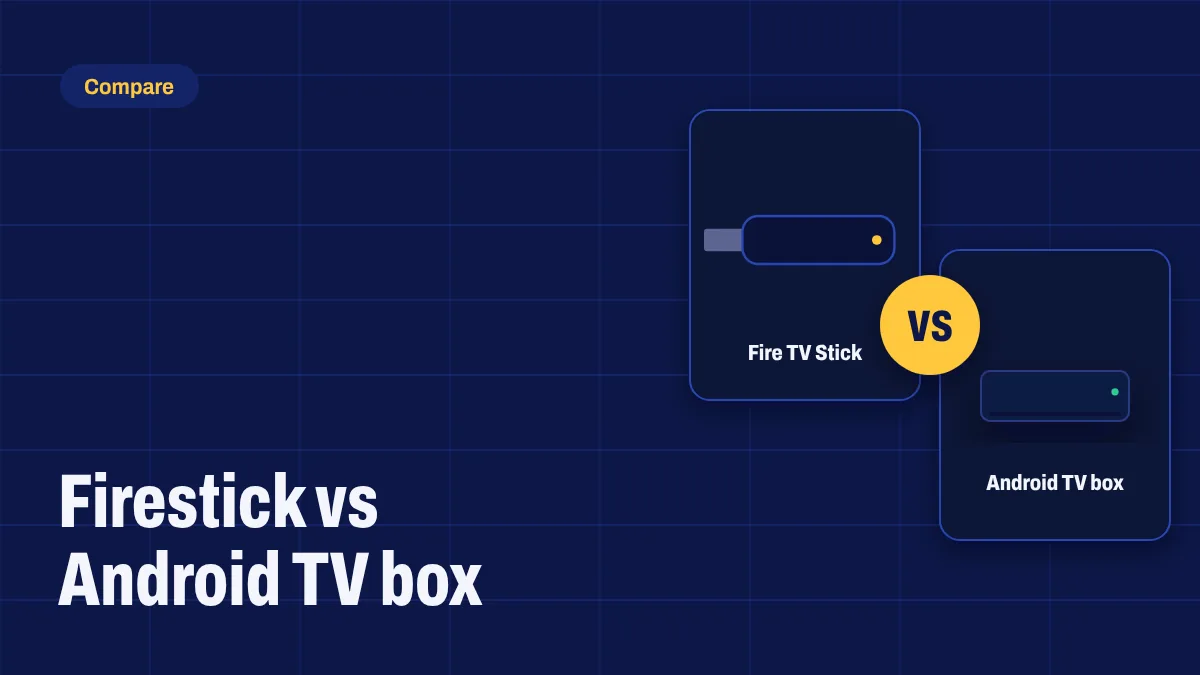
The two most popular ways to watch Apollo Group TV are an Amazon Fire TV Stick and an Android TV or Google TV box. Both plug into your TV’s HDMI port and both can run the app, but they suit different people. Here’s an honest comparison to help you choose.
At a glance
| Fire TV Stick (Fire OS) | Android TV / Google TV box | |
|---|---|---|
| Price | Low; often on sale | From budget to premium |
| Installing the app | Yes on Fire OS, using Downloader | Yes, after turning on developer mode |
| Newest models | New Fire TV Sticks run Vega OS and can’t install the app | Not affected |
| Ethernet | Needs an adapter | Many boxes have a built-in port |
| Speed | Good on the 4K Max | From average to excellent depending on the box |
| Storage | Limited | Usually more |
| Interface | Amazon-focused, with ads | Google TV or Android TV, with recommendations |
| Updates | Regular for supported models | Depends on the brand |
The Fire TV Stick
Why people choose it: it’s cheap, easy to find, and the Fire OS models install the app with a free tool called Downloader in about ten minutes. The Fire TV Stick 4K Max is fast and handles 4K channels well.
What to watch out for: Amazon is moving its Fire TV Sticks to Vega OS, which only installs apps from the Amazon Appstore. The Fire TV Stick 4K Select and the 2026 Fire TV Stick HD and Fire TV Stick 4K run Vega OS and can’t run the app. Read Fire TV and Vega OS before you buy. Storage is also tight, and you’ll need an Ethernet adapter for a wired connection.
The Android TV or Google TV box
Why people choose it: Android-based boxes run the widest range of apps, many have a built-in Ethernet port, and premium models such as the NVIDIA Shield are very fast. Google’s own Google TV Streamer is a polished, well-supported option with Ethernet built in. See our Google TV Streamer article.
What to watch out for: quality varies a lot between brands. Avoid unbranded boxes sold with pre-loaded apps or “lifetime” promises: they often run outdated software and rarely get updates.
Which is better for live sport?
For live sport, a wired connection matters more than the device. A box with a built-in Ethernet port makes that easy. A Fire OS 4K Max with an Ethernet adapter is a good budget alternative.
Which is easier to set up?
Both are straightforward with our guides: the Firestick setup guide and the Android setup guide. The Fire TV route has one extra step (Developer options), and Google TV needs developer mode switched on; each takes about a minute.
Our recommendation
- On a budget, and you can find a Fire OS model? The Fire TV Stick 4K Max is excellent value.
- Want the most future-proof option? Choose a Google TV device such as the Google TV Streamer, or a well-known Android TV box.
- Big on live sport? Pick a device with a built-in Ethernet port.
Still deciding? Ask us with the models you’re comparing, and we’ll tell you which works best with Apollo Group TV. See all supported devices.