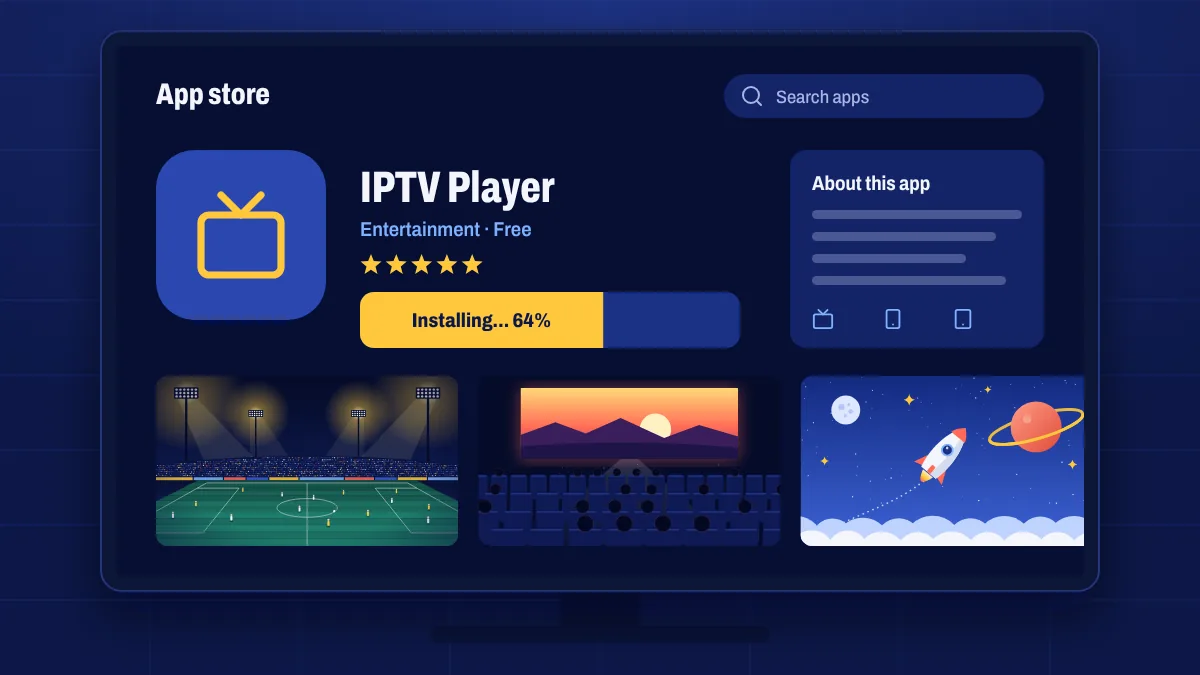
How you set up Apollo Group TV on a smart TV depends on the system your TV runs. Find your TV type below and follow those steps. If you don’t know which system you have, look in Settings → About or check the Smart TV device page.
Google TV and Android TV models
These TVs work like any Android TV device.
- Install Downloader from the Google Play Store on the TV.
- Turn on developer mode: open Settings → System → About and press Android TV OS build seven times. (On some models: Settings → Device Preferences → About → Build.)
- Allow Downloader to install apps: Settings → Apps → Security & restrictions → Unknown sources, then switch on Downloader.
- Open Downloader, enter the link or code from your welcome email and install the app.
- Open the app and sign in with your username and password.
Samsung smart TVs (Tizen)
- Press Home and open Apps.
- Search for the IPTV player app we recommend in your welcome email and select Install.
- Open the app. If it shows a MAC address or device key, note it down.
- Add your playlist: either enter the login details or link we sent you in the app, or upload them on the app’s website using the MAC address, depending on the app.
- Restart the app. Your channels and TV guide load.
LG smart TVs (webOS)
- Press Home and open the LG Content Store (or Apps).
- Search for the recommended IPTV player app and install it.
- Open the app and note the MAC address or device key if it shows one.
- Add your login details or playlist link as the app explains.
- Restart the app to load the channels.
Some smart TV player apps charge their own one-off activation fee after a trial period. That fee goes to the app developer and is separate from your subscription.
After setup
- Set the TV’s time zone correctly so the TV guide lines up.
- Use a cable if the TV is near the router, for the steadiest picture.
- Choose 4K channels only if your TV and connection support 4K.
Troubleshooting
- The app isn’t in my TV’s store: availability varies by country and model year. Contact us with your model number and we’ll suggest an alternative.
- “Invalid playlist” or “no channels”: check the details for typos and make sure your subscription is active in My subscription.
- The app is slow: older TVs have less memory. A streaming stick is often faster.
Smart TV setup questions
Which app should I use on my Samsung or LG TV?
We recommend an app in your welcome email that works with your login type. App availability changes, so ask us if it isn’t in your TV’s store.
Why does the app want my TV’s MAC address?
Some smart TV apps use the MAC address to identify your TV and load your playlist onto it. It’s safe to share it with us so we can set things up.
Can I use my TV’s built-in browser instead?
We don’t recommend it. A proper IPTV app handles live streams, the guide and catch-up much better.