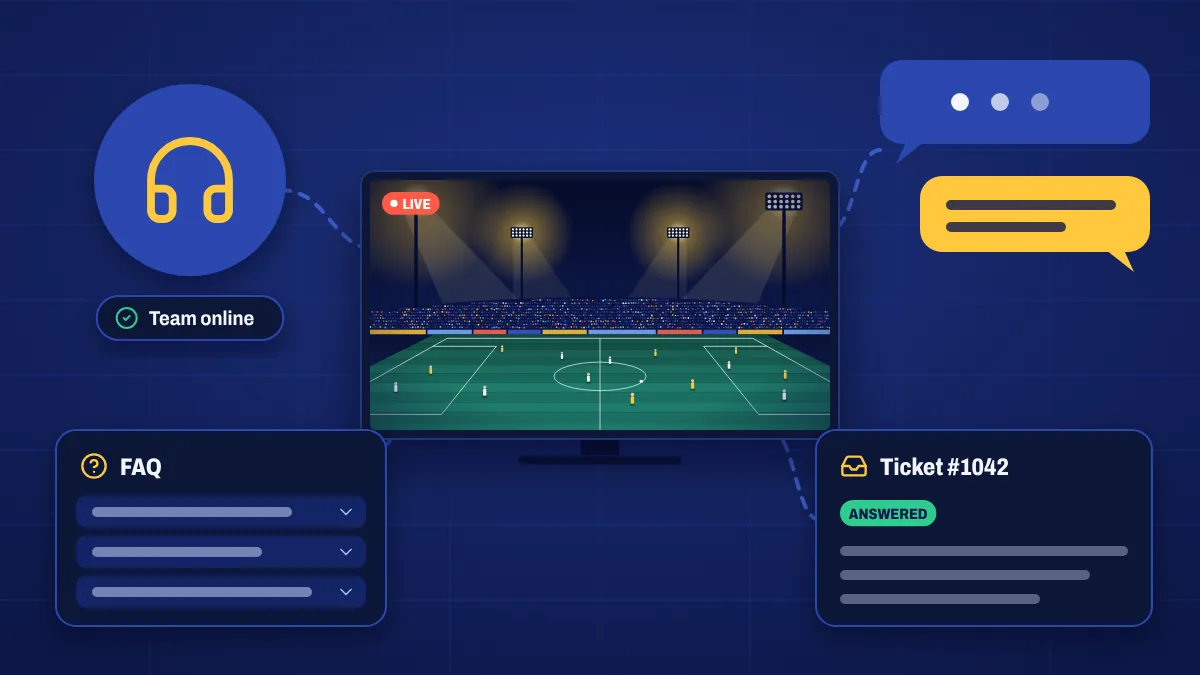
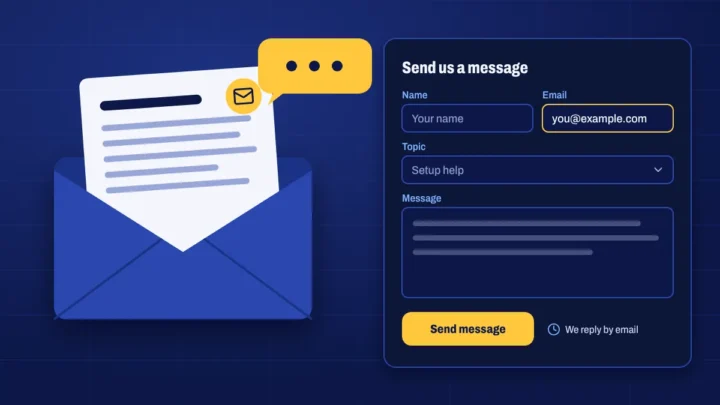
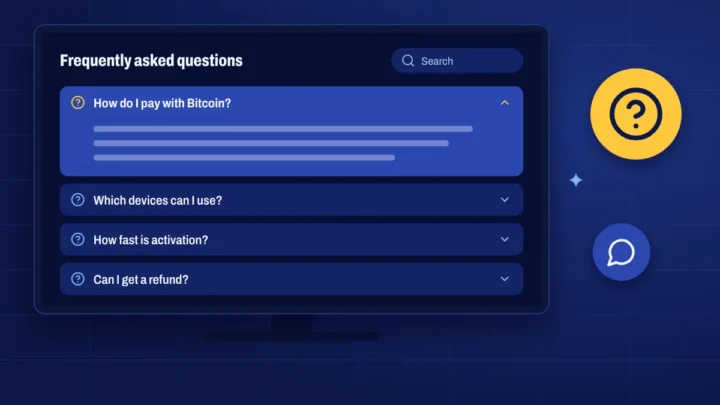
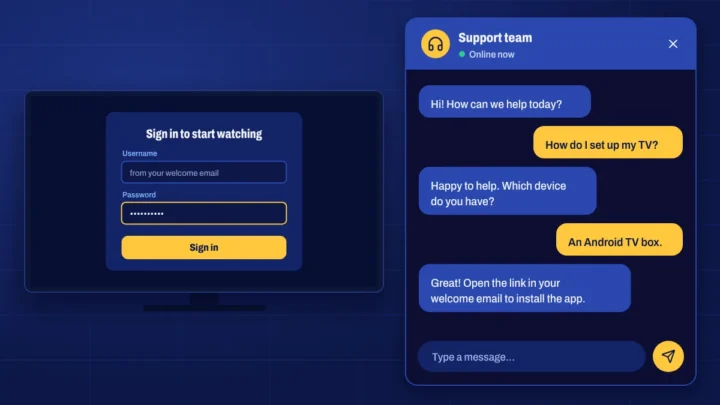
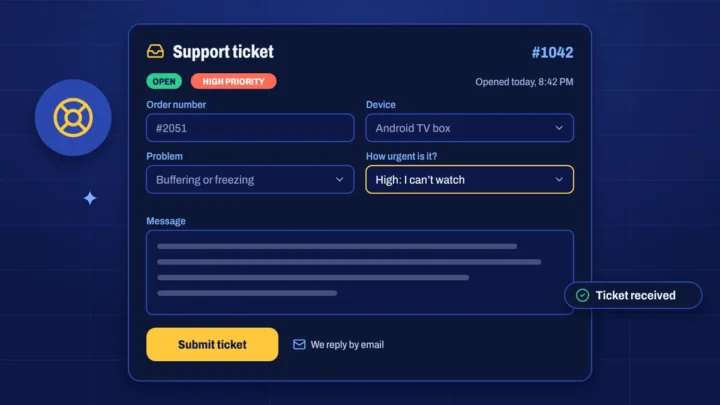
Whatever you need, there’s a quick way to get it sorted. Use the options above, or start with the most common fixes below.
Quick fixes that solve most problems
- Restart your device and router. Unplug both for 30 seconds, then plug the router in first.
- Check your login details. Copy them from My subscription to avoid typos.
- Update the app and your device’s software.
- Use a cable or 5 GHz Wi-Fi if the picture pauses. See how to stop buffering.
- Refresh the TV guide in the app’s settings if programme times look wrong.
Which option should I use?
- FAQ: instant answers about plans, payments, devices and your account.
- Live chat: quick questions while you’re setting up.
- Submit a ticket: problems that need investigating, such as a channel that won’t play. You get a ticket number and a copy by email.
- Contact us: questions before you buy, reseller and affiliate enquiries, and anything else.
Help with your order
Your orders, invoices and login details are in your account. If you’ve paid but haven’t submitted your Bitcoin transaction ID yet, open the payment link in your order email or find the order under Invoices.
Setup help
Our setup guides cover Firestick, smart TVs, Android and iPhone, iPad and Apple TV, with notes for MAG, Enigma2 and computers.
- Live chatChat with our team
- Support ticketOpen a ticket