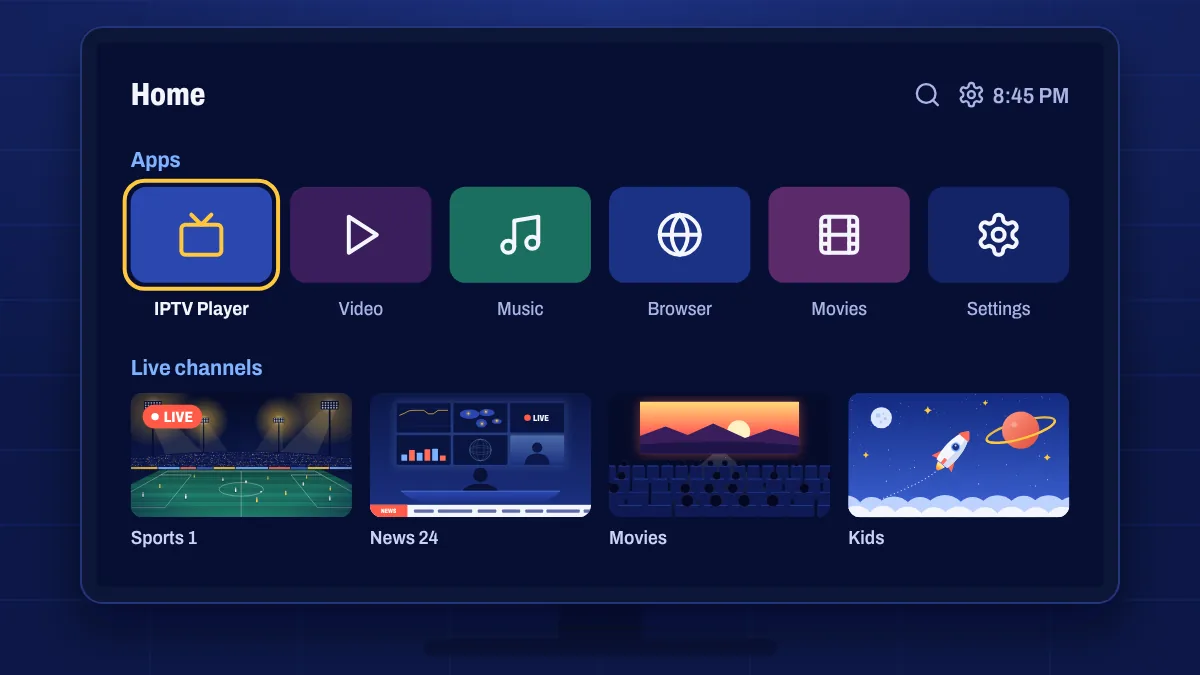
Many people want to watch on their smart TV without plugging in another device. That’s often possible. How you do it depends on the operating system your TV runs, so the first step is finding out which one you have.
Which system does your TV run?
| TV system | Common brands | How Apollo Group TV works |
|---|---|---|
| Google TV or Android TV | Sony, TCL, Philips, Hisense (some models), Xiaomi | Install the app like on any Android TV device |
| Tizen | Samsung | Use a compatible IPTV player app from the Samsung app store |
| webOS | LG | Use a compatible IPTV player app from the LG Content Store |
| Other systems | Older or budget TVs | Usually easier with a streaming stick or box |
You can usually find the system in your TV’s Settings → About or Support → About this TV menu, or by searching your model number online.
Google TV and Android TV models
These TVs work just like an Android TV box. You can install the app using the steps in our Smart TV setup guide or the Android guide, sign in and start watching. They also tend to get app updates more often.
Samsung and LG TVs
Samsung (Tizen) and LG (webOS) TVs can’t install Android apps. Instead, you use an IPTV player app from the TV’s own app store and enter the login details or playlist link we send you. A few things to know:
- App availability changes by country and TV model year. We’ll recommend an app that works with your TV.
- Some player apps charge their own fee to activate them on your TV, separate from your subscription.
- Some apps identify your TV by its MAC address. You’ll find it in the app, and you can add it at checkout so we can set things up for you.
When a stick is the better choice
If your TV is older, slow, or runs a system with no compatible app, a low-cost streaming device often gives a better experience. A Fire OS Fire TV Stick or a Google TV device plugs into an HDMI port and usually runs faster than an older TV’s built-in apps.
Tips for the best picture
- Connect the TV with an Ethernet cable if it’s near the router.
- Use the TV’s 4K picture settings when you watch 4K channels.
- Keep the TV’s software up to date, because updates often improve streaming.
Smart TV questions
Does it work on my Samsung TV?
Usually yes, through a compatible IPTV player app. Send us your model number and we’ll confirm which app to use.
Why can’t I find the app on my TV?
Some apps aren’t available in every country or on every model year. We’ll suggest an alternative, or a streaming stick if there isn’t one.
Is a smart TV app as good as a streaming stick?
On recent Google TV and Android TV models, yes. On older TVs, a dedicated streaming device is often faster and easier to use.