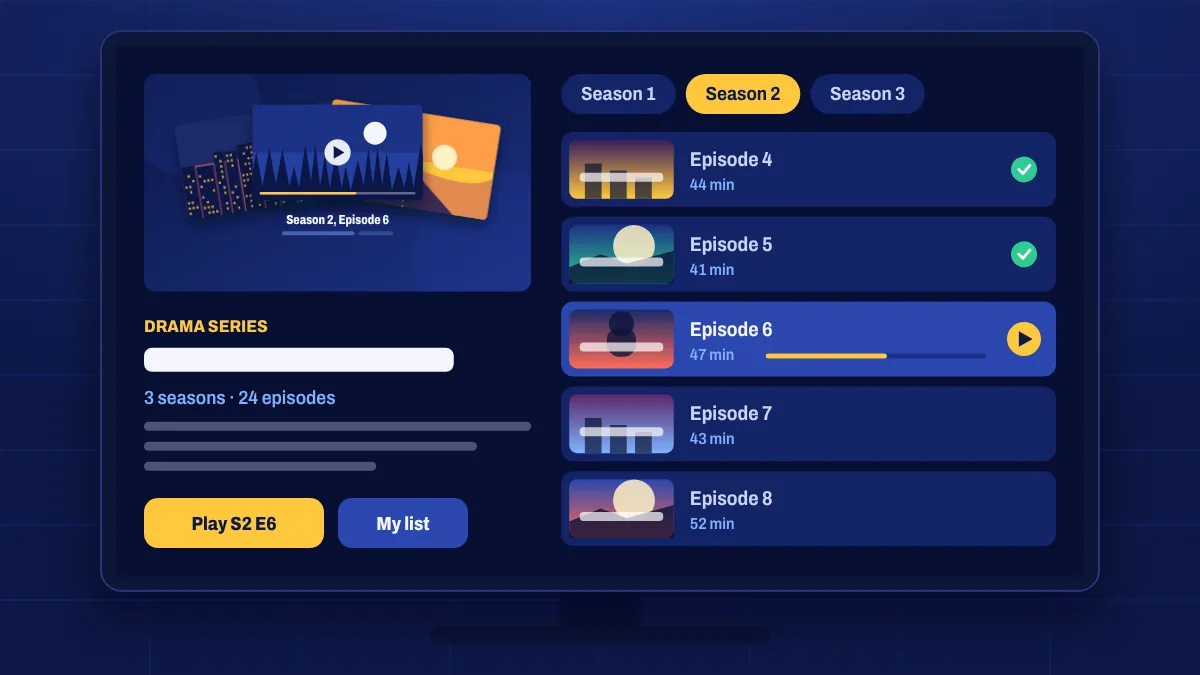
The series library is built for binge-watching. Shows are organised by series, then season, then episode, so it’s easy to start from the beginning or jump to exactly where you are.
How series are organised
- Pick a series from the library or use search.
- Choose a season from the list.
- Select an episode to start playing. Many apps play the next episode automatically.
Genres you’ll find
- Drama and crime, from period pieces to modern thrillers.
- Comedy and sitcoms for easy evenings.
- Science fiction and fantasy for the big-world stories.
- Reality and competition series.
- Animation for adults and children.
- Series in other languages, often with subtitles.
Tips for binge-watching
- Turn on autoplay in your app’s settings so the next episode starts by itself.
- Use favourites to keep the shows you’re watching in one list.
- Watch on the go with the mobile app on Wi-Fi, then continue on the TV at home.
Series that are still airing
When a series is airing right now, new episodes usually appear on the live channel first. Use the TV shows section and the TV guide for this week’s episode, and catch-up on supported channels if you missed it.
Series questions
Are full seasons available?
Many series are available as full seasons. Availability varies by title.
Can I watch the next episode automatically?
Most IPTV apps support autoplay of the next episode. Look for the option in the player or app settings.
Are subtitles available for series?
Many titles include subtitles. Open the player menu during playback to see the options for that episode.