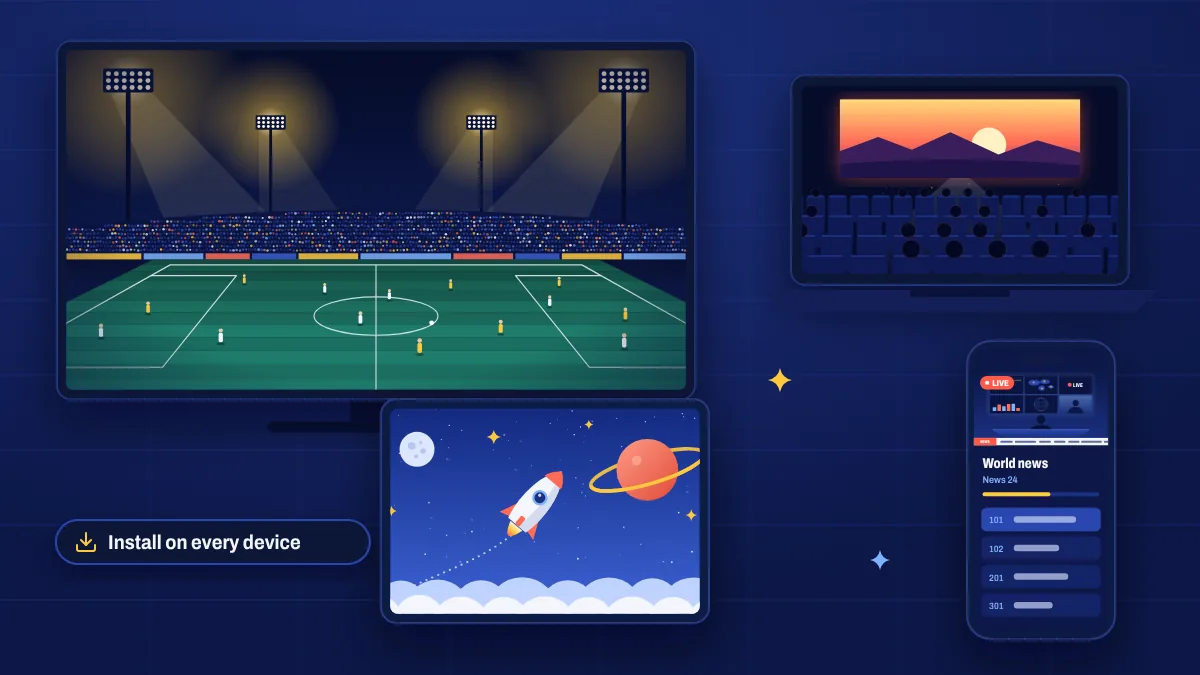
Your Apollo Group TV subscription isn’t tied to one box under the TV. Install the app on the devices you already own and watch in the living room, the bedroom, the kitchen or on the go.
Supported devices
| Device | How it works | Setup |
|---|---|---|
| Smart TVs | Compatible IPTV app from your TV’s app store | Smart TV guide |
| Amazon Firestick and Fire TV | App installed with Downloader (Fire OS models) | Firestick guide |
| Android phones, tablets and TV boxes | App from Google Play or a direct download | Android guide |
| iPhone, iPad and Apple TV | IPTV player app from the App Store | iOS guide |
| MAG boxes | Portal URL linked to your box’s MAC address | MAG page |
| Enigma2 receivers | Playlist or bouquet installed on the receiver | Enigma2 page |
| Windows and Mac | IPTV player app or media player | Computer page |
Installing vs watching at the same time
There’s a difference between how many devices you install the app on and how many can watch at the same time:
- You can set up the app on all your supported devices.
- The number of streams that can play simultaneously depends on the connections included with your subscription.
If two people try to watch at once on a single-connection subscription, one stream may stop. Need several screens at the same time? Contact us before you buy and we’ll tell you what’s available.
Watching away from home
Because Apollo Group TV streams over the internet, it works wherever you have a good connection: on holiday, at a second home or on your phone during a commute. On mobile data, choose HD instead of Full HD or 4K to save data.
Tips for a multi-device home
- Put the main TV on a cable and let lighter devices use Wi-Fi.
- Use the same login on each device. Your details are in My subscription.
- Keep each app updated so features like the TV guide work the same everywhere.
Multi-device questions
Can I use one subscription in two houses?
You can install the app anywhere, but only as many devices as your connections allow can watch at the same time.
Do I need a different login for each device?
No. You use the same login details on each device.
Which device gives the best experience?
A recent Android TV or Google TV box, a Fire TV Stick 4K Max on Fire OS, or a recent smart TV with a good IPTV app. See our devices page for details.