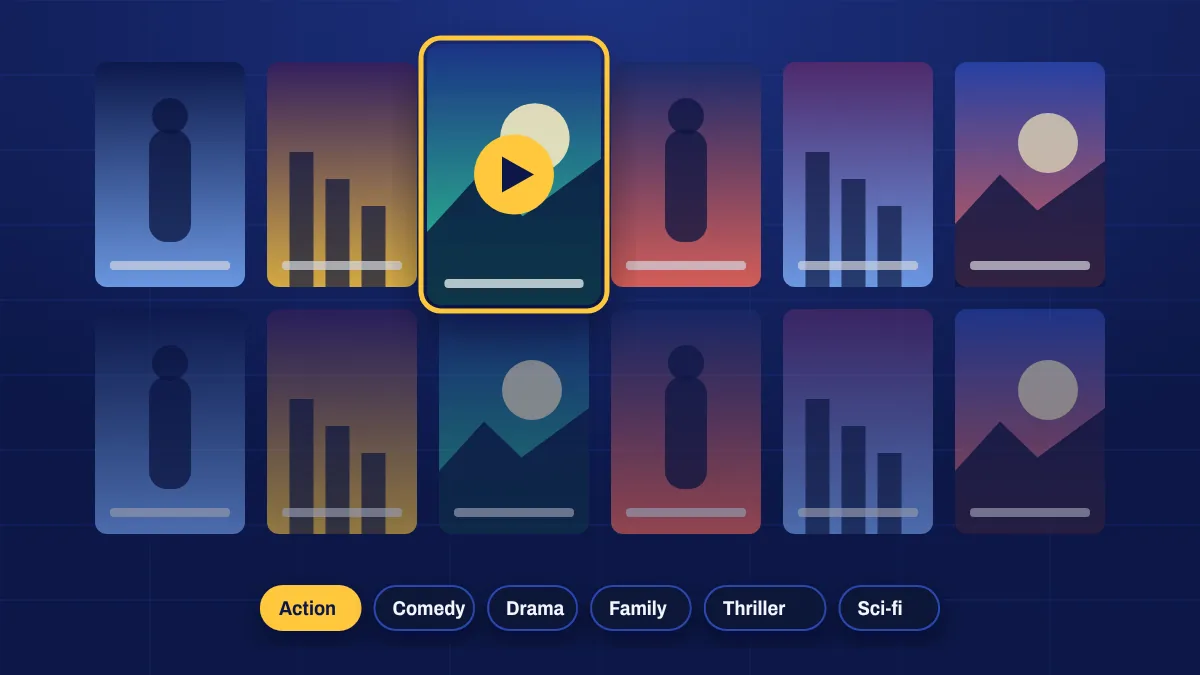
The movie library is the part of Apollo Group TV you’ll use on a Friday night. Instead of waiting for a film to start on a channel, you choose exactly what to watch and start it straight away.
Find a film fast
- Browse by genre: action, comedy, drama, thriller, horror, science fiction, romance, animation and more.
- Check “recently added” to see the newest titles in the library.
- Search by title when you know what you want.
- Look in country and language categories for world cinema and films in your own language.
Picture and sound
Films are offered in different qualities. Choose Full HD or 4K where available on a large TV, and HD on a phone or a slower connection. For the best experience:
- Set your TV’s picture mode to Movie or Cinema.
- Connect to a soundbar or receiver over HDMI for fuller sound.
- Use a wired connection or 5 GHz Wi-Fi for 4K titles.
Subtitles and audio
Many titles include subtitles and some have several audio languages. Open the player menu while the film is playing and look for the subtitles or audio track option. Available languages vary by title.
Movie channels vs movies on demand
Prefer someone else to choose? The live movie channels play films around the clock on a schedule. On demand is for when you know what you want to watch.
Movie questions
Do on-demand movies cost extra?
No. The movie library is included in every plan.
Can I continue a film on another device?
Many apps remember your position on the same device. Switching devices mid-film depends on the app you use.
Are there family films?
Yes. Look for the family, kids or animation categories. You can also use parental controls in your app to lock categories you don’t want children to see.