Authorized Apollo Group TV reseller

Apollo Group TV subscriptions for live TV, sports, movies and series

Choose a plan, pay securely with Bitcoin and get your login details by email. Watch on smart TVs, Firestick, Android, iOS, MAG, Enigma2 and computers.

Plans from $16.66 a month

  • Authorized resellerGenuine Apollo Group TV subscriptions
  • Pay with BitcoinNo card or bank details needed
  • 24-hour refundIf it doesn’t work on your device

Choose your Apollo Group TV plan

Every plan includes the same channels, on-demand library and TV guide. Longer plans cost less per month.

Compare plans in detail

Every plan includes

  • Full live channel lineup
  • Movies and series on demand
  • TV guide (EPG) and catch-up
  • Works on all your devices
  • Pay with Bitcoin
  • 24-hour refund window

Prices are in US dollars. You pay the Bitcoin equivalent at the live rate shown at checkout. Questions before you buy? Contact us.

Works on the devices you already own

Pick your device for compatibility notes, then follow the step-by-step setup guide.

  • Smart TVWatch on your TV without an extra box. How it works on Google TV and Android…Setup guide
  • FirestickThe Fire TV Stick is one of the most popular ways to watch Apollo Group TV.…Setup guide
  • AndroidAndroid phones, tablets, Android TV boxes and Google TV devices all work well with Apollo Group…Setup guide
  • iOSWatch on iPhone, iPad and Apple TV using an IPTV player app from the App Store.Setup guide
  • MAGMAG set-top boxes connect through a portal linked to your box's MAC address. No app to…
  • Enigma2Enigma2 Linux receivers can show your channels as bouquets alongside satellite channels. Here's how it works…
  • Windows & MacWatch on your laptop or desktop with an IPTV player app or a media player and…
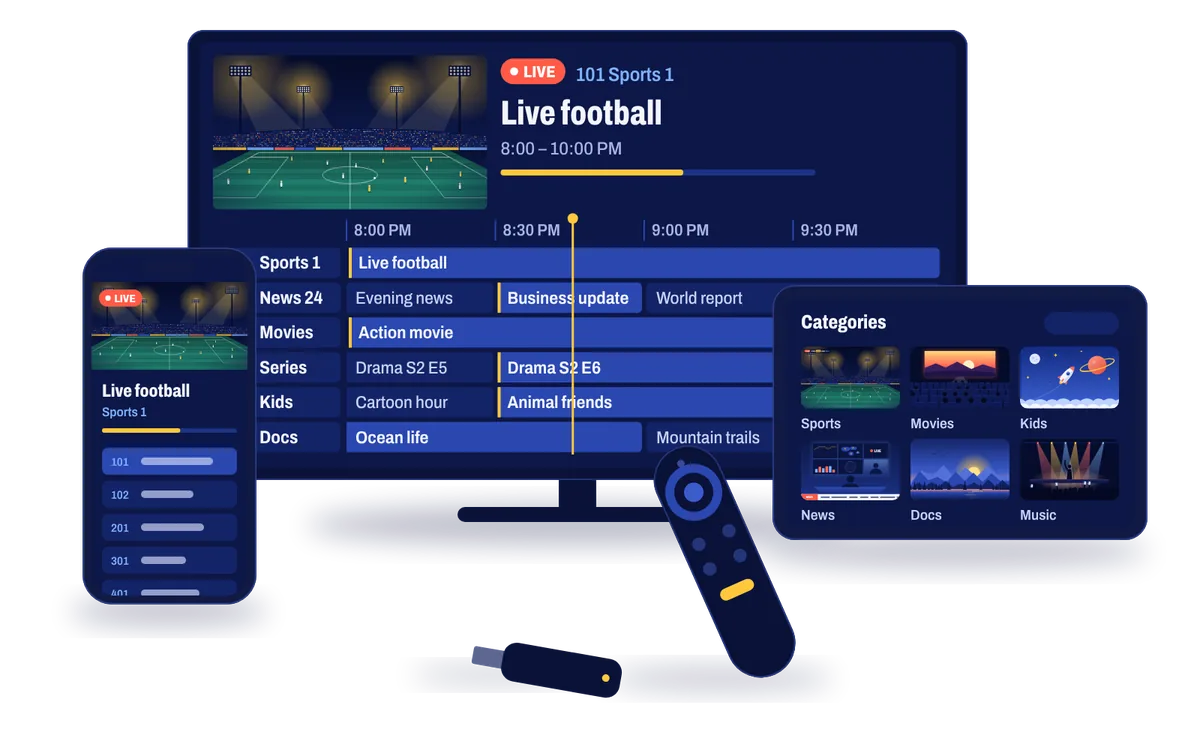
Apollo Group TV on a smart TV, tablet, phone and streaming stick

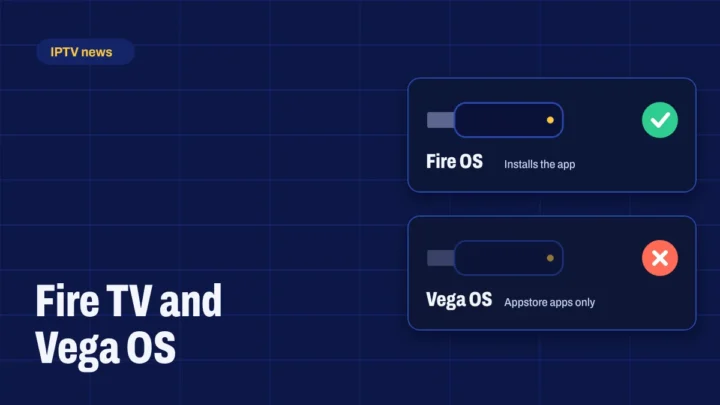
Amazon’s newest Fire TV Sticks run Vega OS, including the Fire TV Stick 4K Select, the 2026 Fire TV Stick HD and the 2026 Fire TV Stick 4K. They can’t install apps from outside the Amazon Appstore. Choose a Fire OS model such as the Fire TV Stick 4K Max or Fire TV Cube, or a Google TV device.

All setup guides

How to get Apollo Group TV

From choosing a plan to your first channel in four steps.

How ordering works, in detail

  1. Choose a plan

    Pick 1, 3, 6 or 12 months. Every plan includes the full lineup.

  2. Pay with Bitcoin

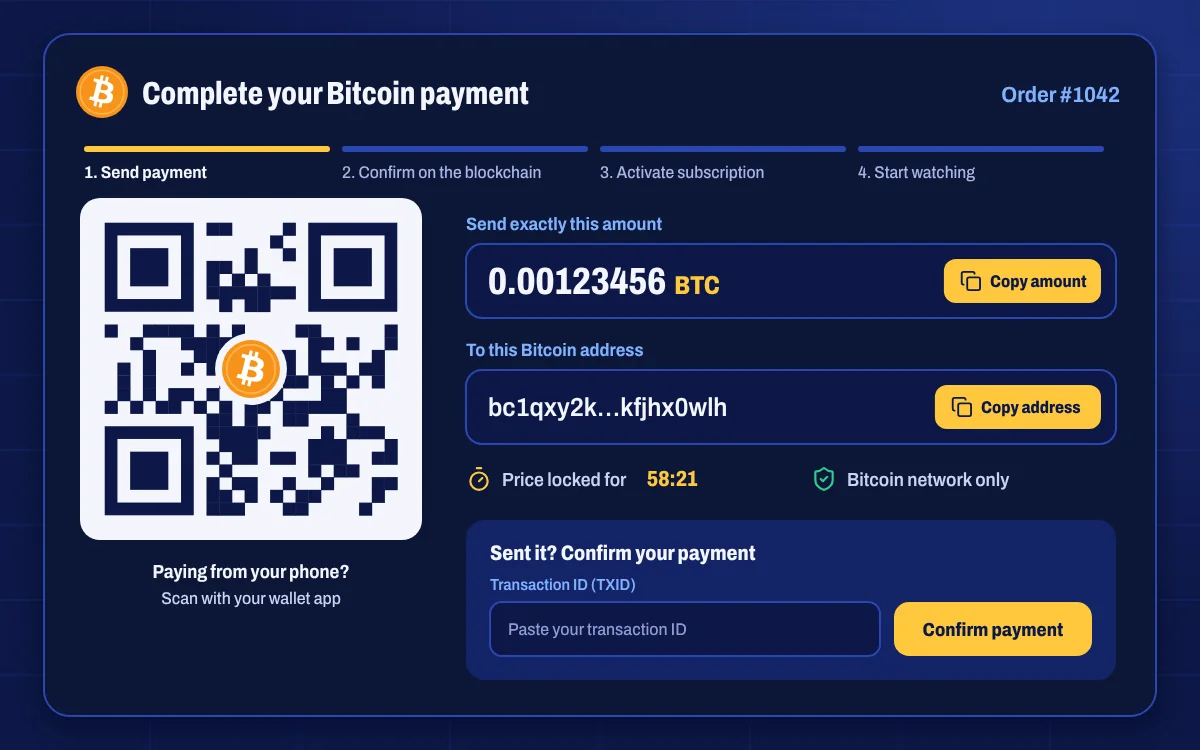
    Scan the QR code or copy our address, send the exact amount and paste your transaction ID.

  3. Get your login details

    Once the payment is confirmed, we activate your account and email your details.

  4. Start watching

    Follow the setup guide for your device, sign in and open the TV guide.

Bitcoin only

Paying with Bitcoin is simple

You don’t need to be a crypto expert. Any Bitcoin wallet or exchange app works, and the payment page walks you through every step.

  1. 1Check outPick your plan and enter your email. No card or bank details.
  2. 2Scan or copyScan the QR code or copy our address and the exact BTC amount.
  3. 3Send from any walletPay from a wallet app or an exchange such as the one you bought Bitcoin on.
  4. 4Paste your TXIDWe confirm the payment on the blockchain and email your login.

New to Bitcoin? Read our guide

Bitcoin payment page with the amount, a QR code and copy buttons

Why buy from us

We’re an authorized Apollo Group TV reseller. Here’s what that means when you order.

  • Genuine subscriptions

    Every plan we sell is a genuine Apollo Group TV subscription.

  • Private Bitcoin payments

    Pay from your own wallet. We never see or store card or bank details.

  • 24-hour refund window

    If Apollo Group TV doesn’t work on your device and we can’t fix it, ask for a refund within 24 hours of activation.

  • Help with setup

    Step-by-step guides for every device, plus live chat and support tickets.

  • Your account, your details

    See your subscription, expiry date, invoices and login details in My Account.

  • Renew in two clicks

    Renew from your account before your plan ends and keep your setup as it is.

Apollo Group TV vs. cable TV

How an IPTV subscription compares with a typical cable package.

FeatureApollo Group TVTypical cable package
ContractNone. Choose 1 to 12 monthsOften 12 to 24 months
EquipmentThe streaming device you already ownRented set-top box
InstallationInstall the app yourself in minutesTechnician visit is common
Phones and tabletsIncludedDepends on the provider
Movies and series on demandIncludedOften a paid add-on
Price per monthFrom $16.66Usually higher, plus box fees

Questions and answers

Everything people ask before they buy. Can’t find your question? Send us a message.

All questions Ask a question

What is Apollo Group TV?

Apollo Group TV is an IPTV service. It streams live TV channels, sports, movies and series over your internet connection instead of a cable or satellite line. You watch through an app on your streaming device, phone, computer or smart TV.

Are you an authorized Apollo Group TV reseller?

Yes. We sell genuine Apollo Group TV subscriptions and take care of your order, activation and support from this website.

How do I pay?

We accept Bitcoin only. After checkout you’ll see the exact BTC amount, our wallet address and a QR code. Send the payment from any wallet or exchange, then paste your transaction ID so we can confirm it.

When do I get my login details?

As soon as your payment is confirmed on the blockchain, we activate your subscription and email your login details. You’ll also find them under My subscription in your account.

Which devices can I use?

Smart TVs, Amazon Firestick and Fire TV (Fire OS models), Android TV and Google TV devices, Android phones and tablets, iPhone and iPad, MAG boxes, Enigma2 receivers, and Windows or Mac computers. Not sure about your device? Ask us before you buy.

How fast does my internet need to be?

We recommend at least 20 Mbps for smooth Full HD streaming and 35 Mbps or more for 4K. A wired Ethernet connection or 5 GHz Wi-Fi gives the most stable picture.

Is there a free trial?

We don’t offer free trials, but you’re covered by our 24-hour refund policy: if Apollo Group TV doesn’t work on your device and we can’t fix it, you can ask for a refund within 24 hours of activation.

How do I renew my subscription?

Log in, open My account → Renew subscription, choose a plan and pay with Bitcoin. We extend your current account, so you don’t need to set anything up again.

Is paying with Bitcoin safe?

Yes. You send the payment from your own wallet, and we never see card or bank details. Always check the address on the payment page, and never share your wallet’s recovery phrase with anyone.

What if a channel stops working?

Channels sometimes go offline briefly for maintenance. Restart the app, then check your internet connection. If it still doesn’t play, open a support ticket with the channel name and your device and we’ll help you fix it.

Apollo Group TV subscriptions from an authorized reseller

Apollo Group Tv sells genuine Apollo Group TV subscriptions and looks after everything around them: a clear choice of plans, a private Bitcoin checkout, fast activation and real help when you set up your devices. You get the same live channels, on-demand library and TV guide as every Apollo Group TV customer, with a team behind you that answers questions in plain English.

Live TV, sports, movies and series in one app

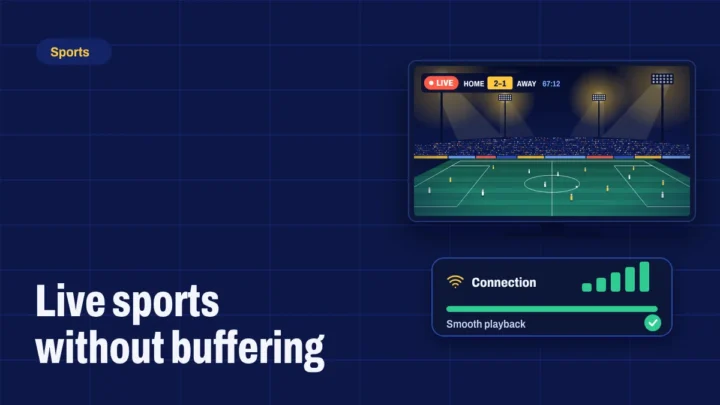
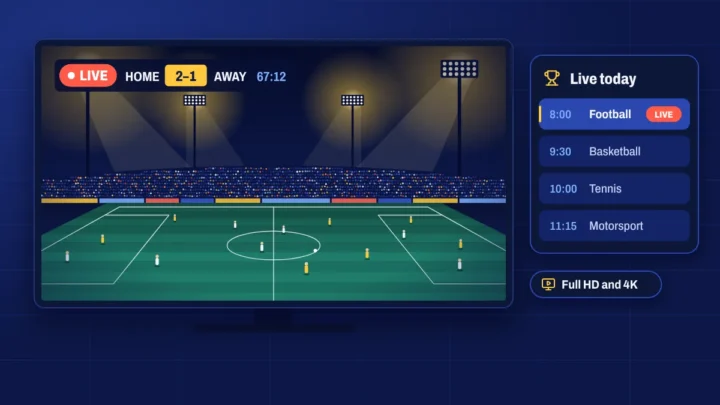
Apollo Group TV brings live channels and on-demand content together, so you can switch from the evening news to a football match to a film without changing apps. The TV guide shows what’s on now and next, catch-up lets you go back to programmes that already aired on supported channels, and 4K and Full HD streams make the most of a big screen.

Works on the devices you already own

Watch on a smart TV, an Amazon Firestick, an Android phone or TV box, an iPhone or iPad, a MAG box, an Enigma2 receiver or a Windows or Mac computer. Our setup guides walk you through each one.

Simple, private payments

We accept Bitcoin only. After checkout you see the exact BTC amount, our address and a QR code, and you can pay from any wallet or exchange. There’s no card to enter and no bank details to share. Read how ordering works or our beginner’s guide to paying with Bitcoin.
Guides and news

Setup walkthroughs, sports streaming tips, comparisons and IPTV news.

See all articles

Grow with us

Two ways to earn with an authorized reseller: sell subscriptions yourself, or recommend us to your audience.

  • Become a reseller

    Buy credits at partner prices and sell subscriptions to your own customers, with our team behind you.

    Reseller program
  • Earn as an affiliate

    Share your link on your channel or website and earn a commission on every paid order it brings in.

    Affiliate program

Ready to watch? Pick your Apollo Group TV plan.

Plans from $16.66 a month. Pay with Bitcoin, get your login by email.