In this guide
We accept Bitcoin only, and we know that’s new for a lot of people. The good news: you don’t need to understand how Bitcoin works to pay with it. If you can use a banking app, you can do this. This guide walks you through it from zero, in plain English.
What you need
- A way to buy Bitcoin, such as a well-known cryptocurrency exchange or a wallet app that lets you buy with a card or bank transfer.
- A few minutes for the payment itself. If you’re buying Bitcoin for the first time, allow extra time for the exchange to verify your identity.
- Your order’s payment page, which opens straight after checkout and is also linked in your order email.
Step 1: Get some Bitcoin
If you already own Bitcoin, skip to step 2. Otherwise:
- Choose a reputable exchange or wallet app that operates in your country. Most ask you to verify your identity the first time.
- Buy a little more than the BTC amount you need, to cover the network fee your exchange charges when you send it.
- Keep the Bitcoin in the app for now. You’ll send it from there in step 3.
Never share your wallet’s recovery phrase (the 12 or 24 words) or private keys with anyone, including us. No real support team will ever ask for them.
Step 2: Open your payment page
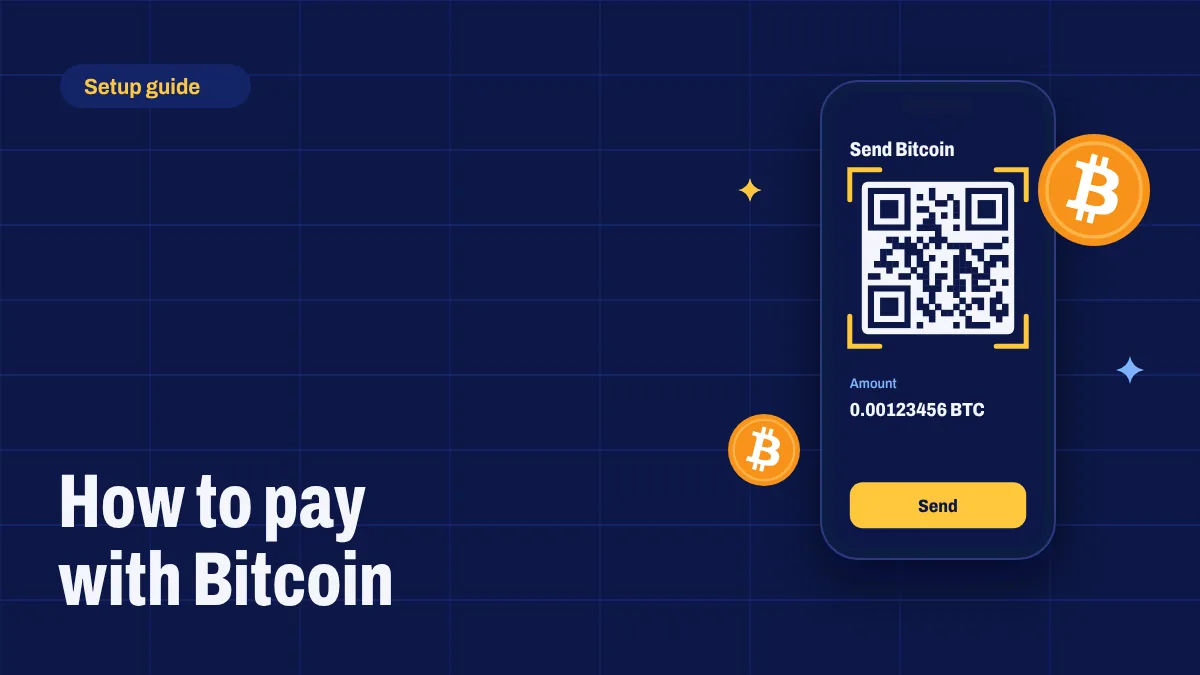
After you check out, your payment page shows:
- The exact amount in BTC, with a copy button.
- Our Bitcoin address, with a copy button.
- A QR code containing both.
- A countdown showing how long the amount is locked.
The amount is calculated from your plan’s price at the live exchange rate and locked while you pay, so it doesn’t change while you’re sending it. It includes a few satoshis (tiny fractions of a Bitcoin) that are unique to your order. That’s how we match your payment to you, so please send the exact amount.
Step 3: Send the payment
In your exchange or wallet app, look for Send or Withdraw, choose Bitcoin (BTC), then:
- Scan the QR code with your phone, or paste our address using the copy button.
- Check the address: compare the first and last four characters with the payment page.
- Choose the Bitcoin network if you’re asked. Don’t choose Lightning, BEP20, ERC20 or any other network.
- Enter the exact BTC amount from the payment page.
- Check the fee. Some exchanges take their withdrawal fee out of the amount you enter. If yours does, increase the amount so we receive the full amount shown.
- Confirm the payment.
Step 4: Copy your transaction ID
After sending, your app shows the transaction in your history. Open it and look for the transaction ID, sometimes called TXID, hash or transaction hash: a long string of 64 letters and numbers. Copy it. Many apps also give you a link to view the transaction on a block explorer; pasting that link works too.
Step 5: Paste it on the payment page
Paste the transaction ID into the box on your payment page and select Confirm payment. We look the transaction up on the blockchain straight away. The page updates by itself as the payment confirms, so you can leave it open or come back later from your order email.
What happens next
Bitcoin payments need to be confirmed by the network. A new block arrives roughly every ten minutes, so most payments confirm within ten to thirty minutes. As soon as yours has the confirmations we need, we activate your subscription and email your login details. Read How It Works for the full timeline.
Common mistakes and how to fix them
I sent less than the amount shown.
This usually happens when an exchange deducts its fee from the amount. Send the difference to the same address and include both transaction IDs in a support ticket.
The price lock expired before I paid.
Select Get a new price on the payment page and pay the updated amount. If you’d already sent the old amount, just submit your transaction ID and our team will check it.
I chose the wrong network.
Contact us straight away with the transaction details. Payments sent on other networks or as BTC tokens may not arrive at our address and may not be recoverable, which is why the payment page asks for the Bitcoin network only.
I can’t find the transaction ID.
Open the transaction in your app’s history and look for TXID, hash or “view on explorer”. If you still can’t find it, chat with us and tell us the app you used.
Is paying with Bitcoin safe?
Yes, when you follow these steps. You never share card or bank details with us, and you control the payment from your own app. Always double-check the address, and keep your recovery phrase private.
Still unsure?
Our team helps first-time Bitcoin buyers every day. Start a live chat or contact us and we’ll walk you through it. Ready? Choose your plan on the pricing page.