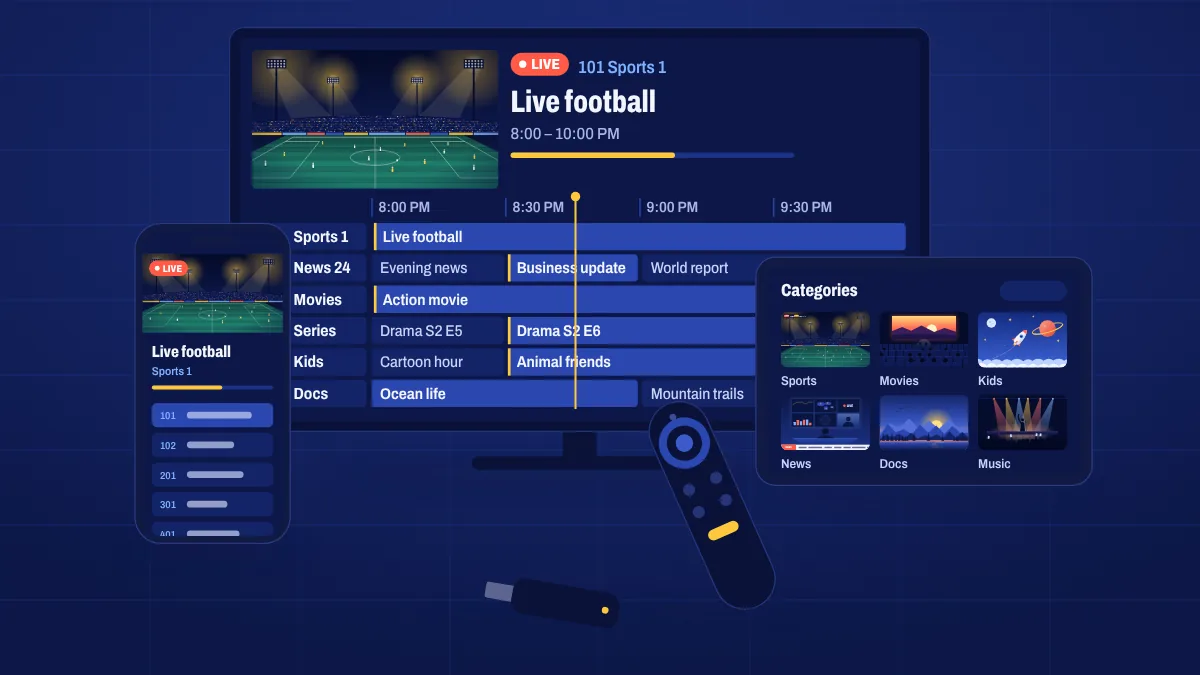
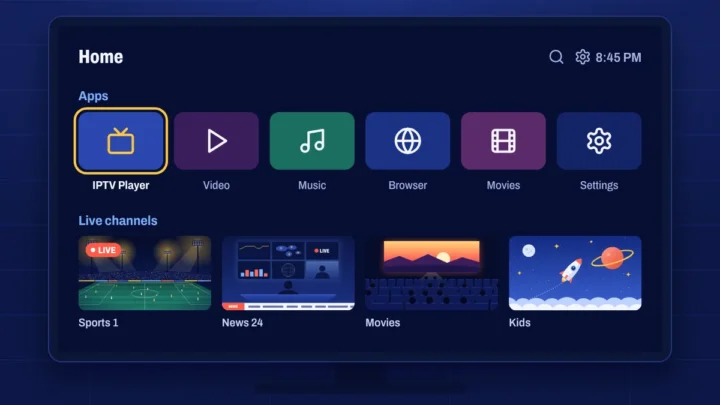
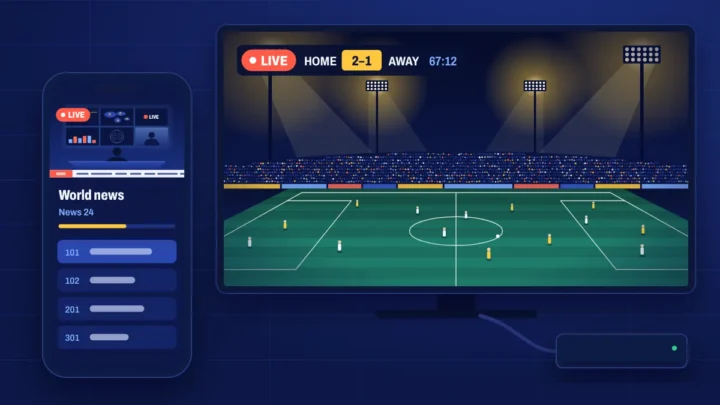
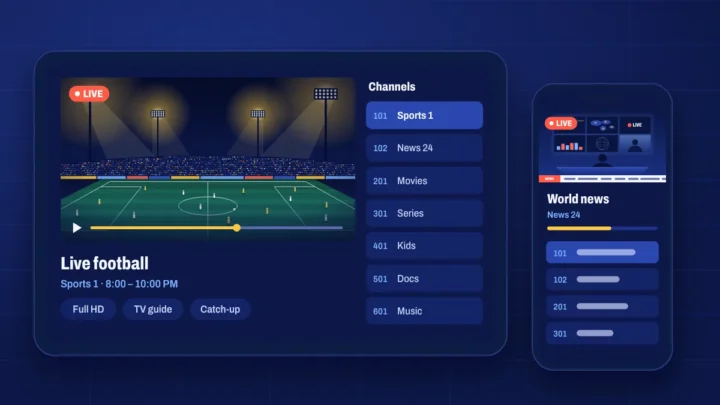
Apollo Group TV works on most modern streaming devices. Choose yours above to see how it connects, what to check before you buy and which setup guide to follow. Your welcome email tells you exactly which app to install and includes the right login details for your device.
Quick compatibility check
| Device | Works? | Notes |
|---|---|---|
| Android TV and Google TV | Yes | The smoothest experience for most people |
| Amazon Firestick and Fire TV | Yes, on Fire OS | Vega OS models (4K Select, 2026 HD and 4K) can’t install the app |
| Samsung and LG smart TVs | Yes, with a compatible app | Uses an IPTV player from the TV’s app store |
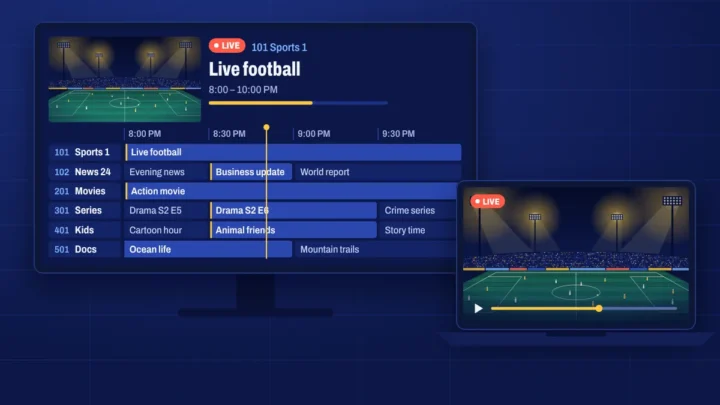
| Android phones and tablets | Yes | Great for watching around the house |
| iPhone, iPad and Apple TV | Yes, with an IPTV player app | Install a player from the App Store |
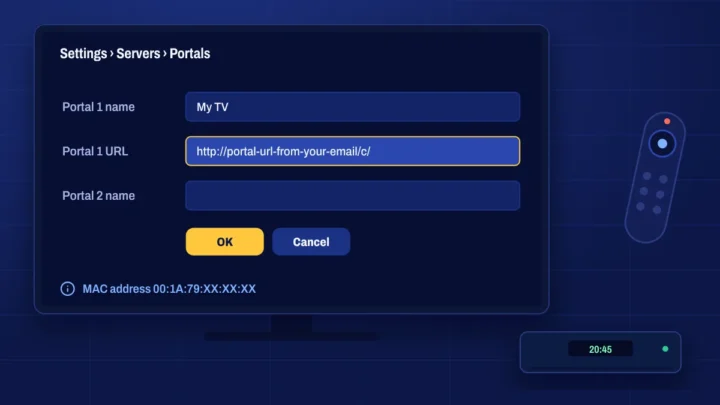
| MAG boxes | Yes | Uses a portal linked to the box’s MAC address |
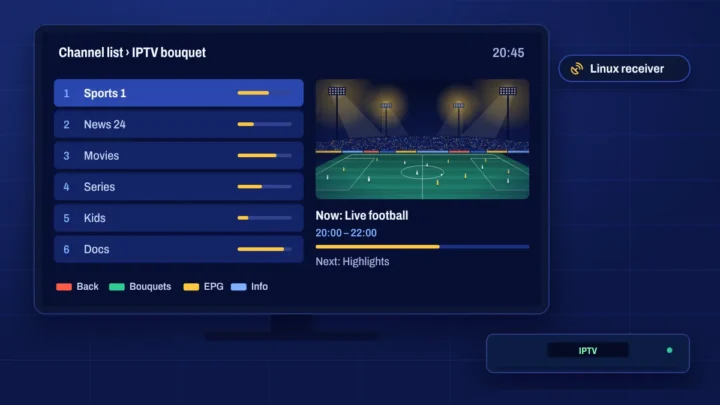
| Enigma2 receivers | Yes | Some technical setup needed |
| Windows and Mac computers | Yes | IPTV player app or media player |
| Roku | No | Roku can’t run the apps needed |
Before you buy
- Check the model. For Fire TV, make sure it runs Fire OS. For smart TVs, check whether it runs Google TV or Android TV, Tizen (Samsung) or webOS (LG).
- Test your connection on the device: about 20 Mbps for Full HD, 35 Mbps or more for 4K.
- Plan your connection. An Ethernet cable or 5 GHz Wi-Fi gives the steadiest picture.
Not sure about your device? Ask us with the brand and model and we’ll tell you what works before you pay.
Our recommendations
For most people, a Google TV or Android TV device or a Fire OS Fire TV device such as the Fire TV Stick 4K Max gives the best mix of price, speed and app support. If you watch a lot of live sport, choose one with an Ethernet port, or add an Ethernet adapter. Read our comparison of Firestick vs Android TV boxes for more detail.
Device questions
Can I use more than one device?
Yes. Install the app on all your supported devices. How many can watch at the same time depends on the connections on your subscription. See multi-device support.
Does it work on Roku?
No. Roku devices can’t install the apps needed. A low-cost Google TV or Fire OS device is the easiest alternative.
Which device is best for 4K?
A 4K TV with a recent Google TV or Android TV device, or a Fire TV Stick 4K Max on Fire OS. See 4K and Full HD streaming.