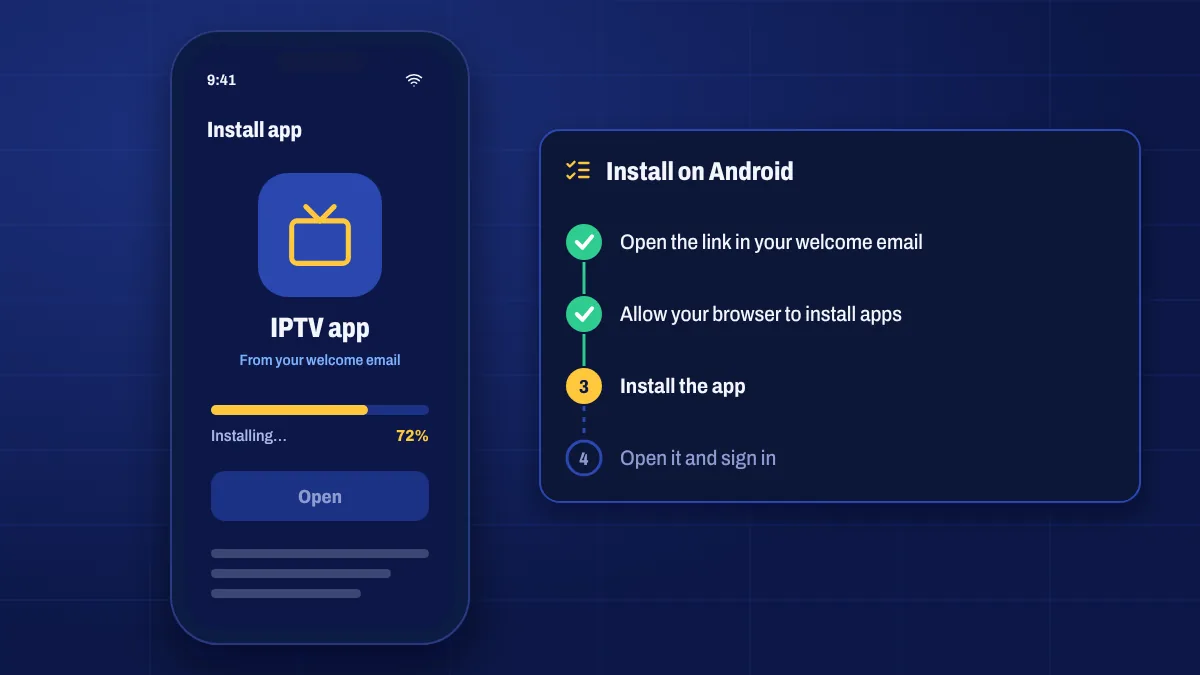
Android setup is quick on every kind of device. Follow the section for your phone or tablet, or for your TV device.
Android phones and tablets
- Open your welcome email on the phone or tablet and tap the download link, or open the store listing we sent.
- If Android asks, allow your browser to install unknown apps, then go back.
- Tap Install, then Open.
- Enter your username and password exactly as they appear in your email.
- Wait a moment while the channels and TV guide load.
Tip: rotate your phone to landscape for full-screen viewing.
Android TV boxes and Google TV
- Install Downloader from the Google Play Store.
- Google TV: turn on developer mode in Settings → System → About by pressing Android TV OS build seven times.
- Allow Downloader to install apps under Settings → Apps → Security & restrictions → Unknown sources (on some boxes: Settings → Device Preferences → Security & restrictions).
- Open Downloader, enter the link or code from your welcome email and select Go.
- Select Install, then Open, and sign in.
Menu names vary a little between brands, but the steps are the same.
Make it easy to find
- On Google TV, add the app to your favourites row from the Apps tab.
- On Android TV, highlight the app and choose Add to favourites or Move.
- On phones, drag the app to your home screen.
Troubleshooting
- “App not installed”: free up storage or uninstall an older version first.
- Login fails: copy the details from My subscription to avoid typos; usernames and passwords are case-sensitive.
- Buffering on Wi-Fi: switch to 5 GHz Wi-Fi or a cable, and see how to stop buffering.
- Guide is empty: refresh the EPG in the app settings and check your time zone.
Android setup questions
Can I install the app from Google Play?
Some players are on Google Play. Others are installed from the link in your welcome email. We tell you which applies to your app.
Do I need a VPN?
A VPN isn’t required to use the service. Whether to use one is your choice; if you do, choose a fast server near you.
Will it work on an old Android box?
Usually, if it runs a reasonably recent Android version and has enough memory. Very old boxes may be slow; a newer Google TV device is an affordable upgrade.