VOD stands for video on demand: films and programmes you choose and start yourself, instead of following a channel’s schedule. Apollo Group TV combines a large on-demand library with live TV in the same app, and it’s included in every plan at no extra cost.
What’s in the library
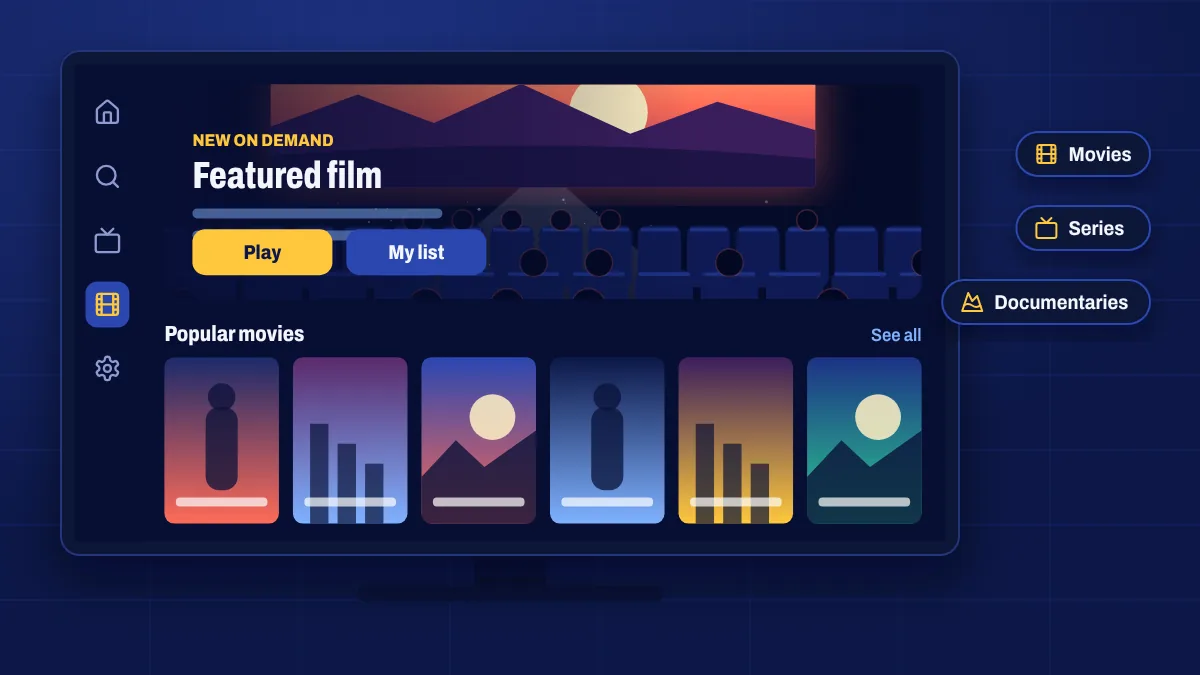
- Movies: new releases, classics, family films and titles from around the world.
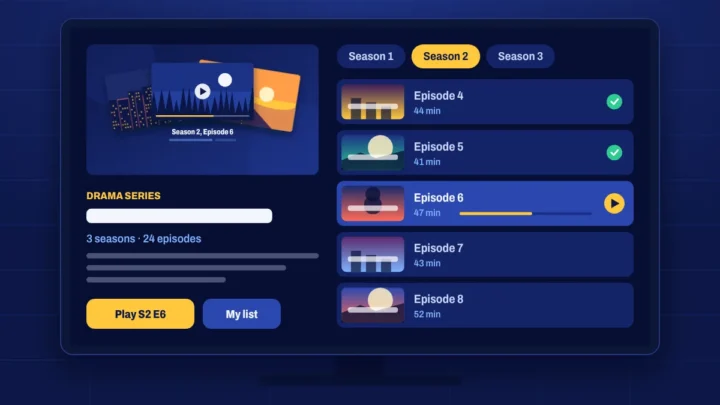
- TV series: full seasons organised by series and episode.
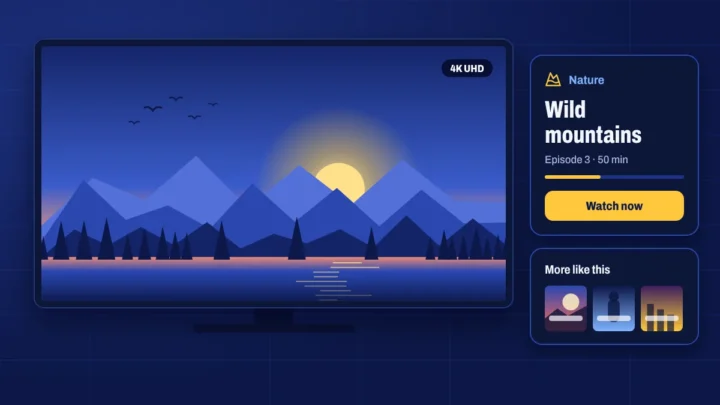
- Documentaries: nature, history, science, true crime and sport.
How on demand works
- Open the Movies or Series section in your app.
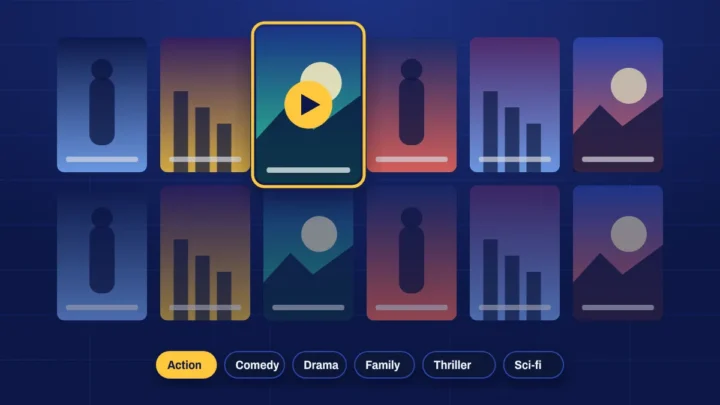
- Browse by category, use search, or check the recently added list.
- Select a title to see its details, then press play.
Most apps remember where you stopped, so you can pause a film on the TV and pick it up later. Some titles offer subtitles and alternative audio tracks from the player menu.
On demand vs catch-up
On demand is a library of titles you can play at any time. Catch-up TV is different: it lets you go back to programmes that aired on a live channel in recent days, on supported channels. Between the two, you rarely miss anything.
Streaming quality
Titles are available in different qualities, up to 4K on selected titles. On-demand video is usually smoother than live TV because it isn’t streamed to everyone at the same moment. For Full HD, aim for an internet speed of about 20 Mbps.
On-demand questions
Is VOD included in my plan?
Yes. Every plan includes the full on-demand library alongside live TV.
How often is new content added?
The library is updated regularly. Look for the “recently added” or “latest” row in your app to see what’s new.
Can I download titles to watch offline?
Downloads depend on your app and device. Most IPTV players stream only, so you’ll need an internet connection.