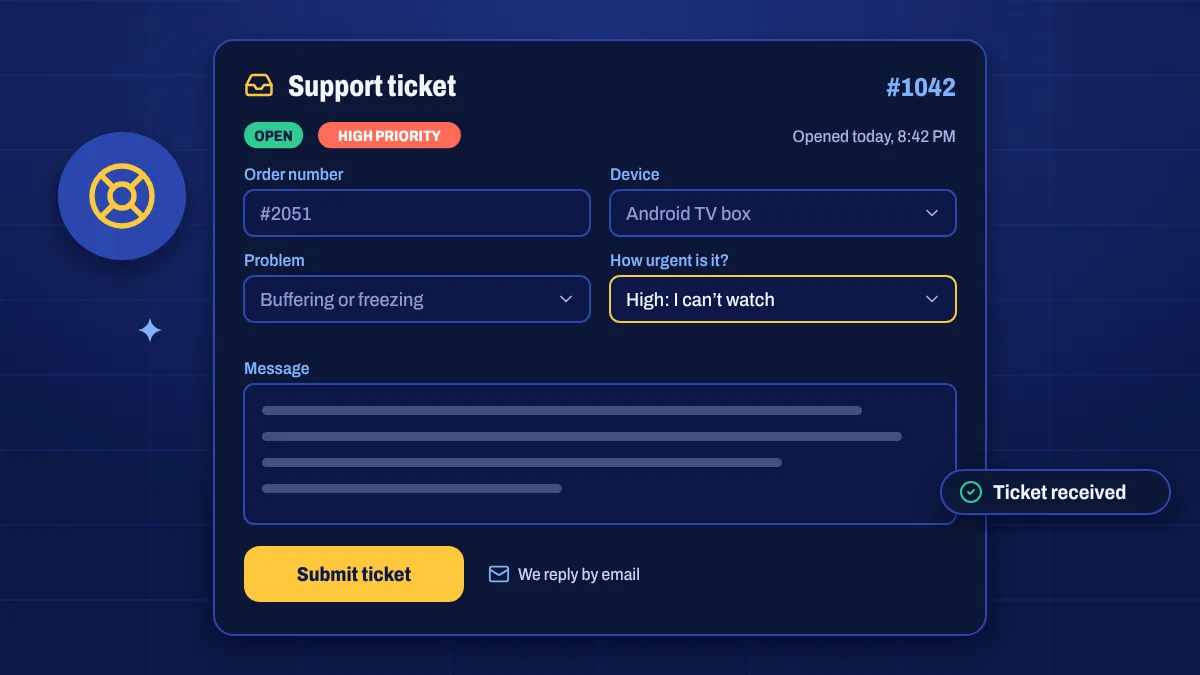
A ticket is the best way to report a problem that needs investigating. Fill in the form with as much detail as you can, and we’ll reply by email. You’ll get a ticket number straight away.
What to include
- Your order number, found in your order email or under Invoices.
- Your device and app, for example “Fire TV Stick 4K Max, recommended app”.
- What happens: which channel, at what time, and the exact error message.
- What you’ve tried, such as restarting or reinstalling.
- For buffering: a speed test result from the same device or a phone in the same spot.
Before you submit
Many problems are solved in a couple of minutes with these checks:
- Restart your device and router.
- Copy your login details from My subscription to rule out typos.
- Try another channel to see whether the problem is one channel or all of them.
- Read the setup guide for your device.
Refund requests
If you’d like a refund under our refund policy, choose Refund request as the problem and include your order number and the Bitcoin address the refund should be sent to.