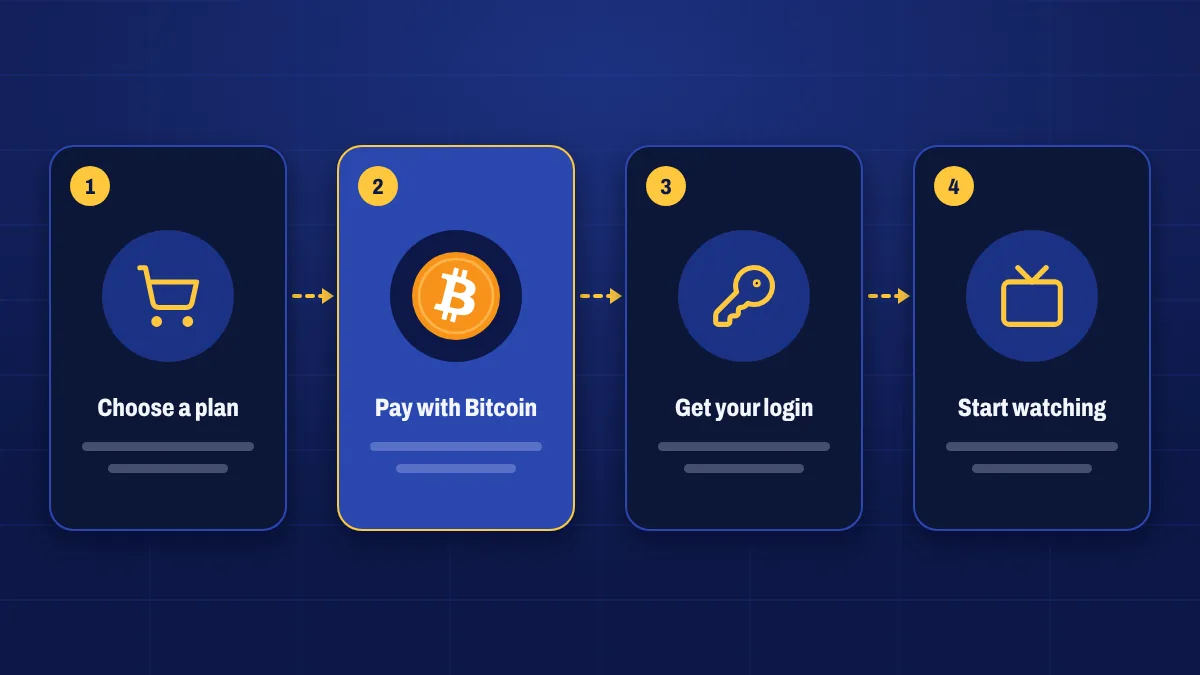
Ordering Apollo Group TV from Apollo Group Tv takes a few minutes of your time. Here’s the whole journey, step by step, so you know what to expect before you start.
Choose a plan
Pick 1, 3, 6 or 12 months. Every plan includes the full lineup.
Pay with Bitcoin
Scan the QR code or copy our address, send the exact amount and paste your transaction ID.
Get your login details
Once the payment is confirmed, we activate your account and email your details.
Start watching
Follow the setup guide for your device, sign in and open the TV guide.
1. Choose your plan
All plans include the full service, so the only decision is how long you want. Compare them on the pricing page. If you’re unsure whether your device is supported, check the devices page or ask us first.
2. Check out in under a minute
Enter your name and email, pick the device you’ll mainly watch on and create a password for your account. There are no address fields and no card details. If you’re renewing, you’ll see which subscription the new months will be added to.
3. Pay with Bitcoin
After checkout you land on your payment page. It shows:
- The exact BTC amount, locked for a set time so the price doesn’t move while you pay.
- Our Bitcoin address, with a copy button so there are no typos.
- A QR code you can scan with a wallet app on your phone.
Send the payment from any wallet or exchange. Here’s what that looks like:
- 1Check outPick your plan and enter your email. No card or bank details.
- 2Scan or copyScan the QR code or copy our address and the exact BTC amount.
- 3Send from any walletPay from a wallet app or an exchange such as the one you bought Bitcoin on.
- 4Paste your TXIDWe confirm the payment on the blockchain and email your login.
4. Submit your transaction ID
Your wallet shows a transaction ID (also called a TXID or hash) after you send the payment. Paste it on the payment page. We check it on the blockchain automatically, and the page updates by itself as the payment confirms. You can close the page and come back later from the link in your order email.
5. We activate your subscription
As soon as your payment has the confirmations we need, usually within about ten to thirty minutes, we activate your subscription and email your login details. You’ll also find them under My subscription in your account, along with your start and end dates.
6. Install the app and start watching
Follow the setup guide for your device. Most people are watching within ten minutes: install the app, enter your details and the channels and TV guide load.
Tip: you can install the app while you wait for activation, so you’re ready to sign in as soon as your details arrive.
7. Renew when you’re ready
Nothing renews automatically. We remind you a few days before your plan ends, and renewing from your account adds time to your current subscription. Same login, same setup, no gap.
Common questions
How long does activation take?
Most orders are activated within half an hour of the payment confirming on the blockchain. At very busy times it can take longer, and we’ll keep you updated by email.
What if I paid but forgot to submit the transaction ID?
Open the payment link in your order email, or find the order under Invoices in your account, and submit it there. You can also open a ticket with your order number.
Can someone help me through it?
Yes. Use live chat or submit a ticket and we’ll guide you through payment and setup.