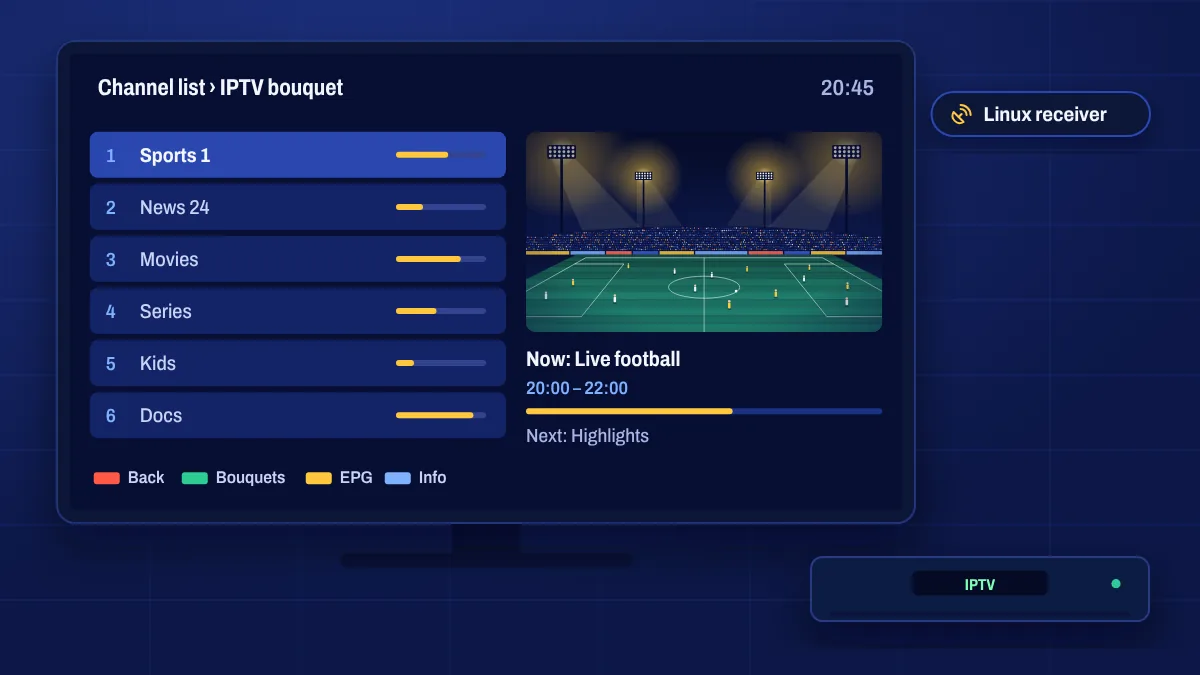
Enigma2 is the Linux-based system used by many satellite and cable receivers, including popular Vu+, Dreambox, Zgemma and Octagon models. With Apollo Group TV, your IPTV channels can appear as bouquets in the receiver’s channel list, right next to your satellite channels.
Is Enigma2 right for you?
Enigma2 setup is more technical than installing an app. It suits you if you already use an Enigma2 receiver and you’re comfortable with things like network settings, plugins or entering a command. If you’d rather keep things simple, an Android TV device or Fire OS Firestick is quicker to set up.
What you need
- An Enigma2 receiver with a recent image (for example OpenATV, OpenPLi or similar).
- A network connection for the receiver, ideally wired.
- Your login details or playlist link, which we send after activation.
- Access to the receiver, either through its plugin menu or by network from a computer.
How setup works
There are a few common ways to add Apollo Group TV to Enigma2. Which one is best depends on your receiver and image:
- IPTV plugins that sign in with your login details and build bouquets for you.
- Playlist import tools that turn your playlist link into bouquets.
- An installation command run on the receiver over a network connection.
Tell us your receiver model and image when you order, or in a support ticket, and we’ll send the method and details that suit your box.
Tips
- Use a wired connection for the receiver.
- Keep your image and plugins updated.
- Refresh the bouquets after changes so new channels appear.
- Set the correct time zone for an accurate TV guide.
Enigma2 questions
Will IPTV channels appear next to my satellite channels?
Yes. Most methods add them as separate bouquets in your channel list.
Do I need to use a computer?
Not always. Some plugins work entirely from the receiver’s menus. Other methods need a computer on the same network.
Can you help me set it up?
Yes. Send us your receiver model and image version and we’ll guide you through the method that suits it.