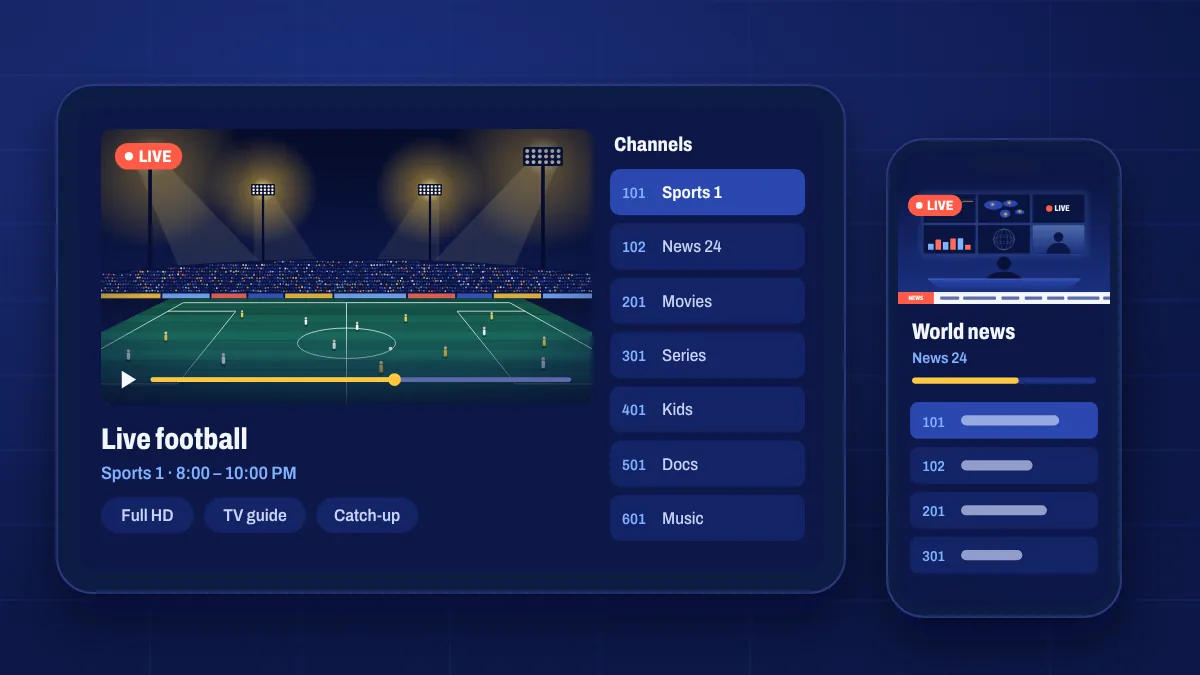
Apple devices don’t allow apps from outside the App Store, so on iPhone, iPad and Apple TV you watch Apollo Group TV through an IPTV player app downloaded from the App Store. You sign in to the player with the login details or playlist link we send you, and your channels, on-demand library and TV guide load inside it.
What you need
- An iPhone or iPad on a recent version of iOS or iPadOS, or an Apple TV HD or 4K on a recent tvOS.
- An IPTV player app that supports the login type in your welcome email. We’ll recommend one.
- Your login details, which you’ll find in your email and under My subscription.
How setup works
- Install the recommended IPTV player from the App Store.
- Open it and choose to add a playlist or login.
- Enter the server address, username and password, or paste your playlist link, exactly as they appear in your email.
- Save, then wait while the channels and guide load.
The iOS setup guide walks through each step with tips for the most popular players.
Good to know
- Some player apps are free with ads, others have a one-off or monthly fee. That’s charged by the app developer, not by us.
- Not every player supports catch-up or the TV guide. If those matter to you, ask us which app to use.
- AirPlay works for sending the picture to a TV, but Apple TV running the player directly gives a steadier picture.
Apple TV
On Apple TV, install the player app from the tvOS App Store. Typing long details with the remote is slow, so many players let you add the playlist from your iPhone or from a web page instead. A wired Ethernet connection on Apple TV 4K is recommended for live sport.
iOS questions
Is there an official app in the App Store?
You use a third-party IPTV player app from the App Store. We’ll recommend one that supports your login type.
Why does the app ask me to pay?
Some player apps charge for premium features or to remove ads. That payment goes to the app developer and is separate from your subscription.
Can I watch on iPhone over mobile data?
Yes. Choose HD rather than Full HD or 4K to save data, and switch to Wi-Fi when you can.