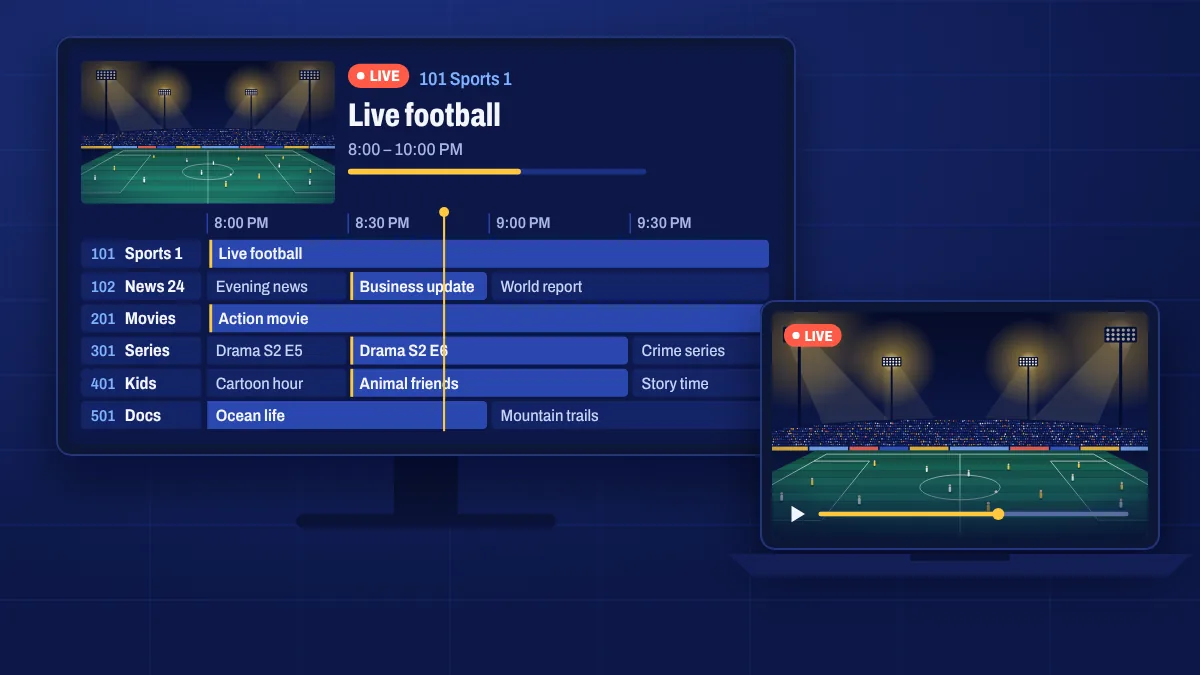
A computer is a handy way to watch Apollo Group TV at your desk, in a home office or while travelling with a laptop. On Windows and Mac you use an IPTV player app or a media player and sign in with the details we send you.
Two ways to watch
- An IPTV player app for Windows or macOS. These look and work like TV apps, with channel categories, a TV guide and often catch-up. This is the best option for regular viewing.
- A media player that can open your playlist link. This is quick for testing or occasional viewing, but usually has no TV guide or categories.
We’ll recommend a player in your welcome email based on what you need.
How setup works
- Install the recommended IPTV player for Windows or macOS.
- Choose to add a new playlist or login.
- Enter your server address, username and password, or paste your playlist link, exactly as shown in My subscription.
- Wait while the channels and guide load, then pick a channel.
Tips for smooth playback
- Use a wired connection or strong Wi-Fi, especially for live sport.
- Close heavy browser tabs and downloads while you watch.
- Plug in your laptop. Battery-saving modes can slow video playback.
- Connect to a TV with HDMI if you’d like the bigger screen.
Computer questions
Can I watch in a web browser?
We recommend a player app instead of a browser. Apps handle live streams, the TV guide and catch-up much better.
Does it work on older computers?
Generally yes, for HD channels. 4K playback needs a more recent computer and a 4K screen.
Can I use my computer and TV at the same time?
That depends on the connections on your subscription. See multi-device support.