Apollo Group TV lists 20,000+ live channels and on-demand titles, grouped so you can find what you want quickly. Pick a category above to see what it covers, how to find it in the app and tips for the best picture.
How channels are organised
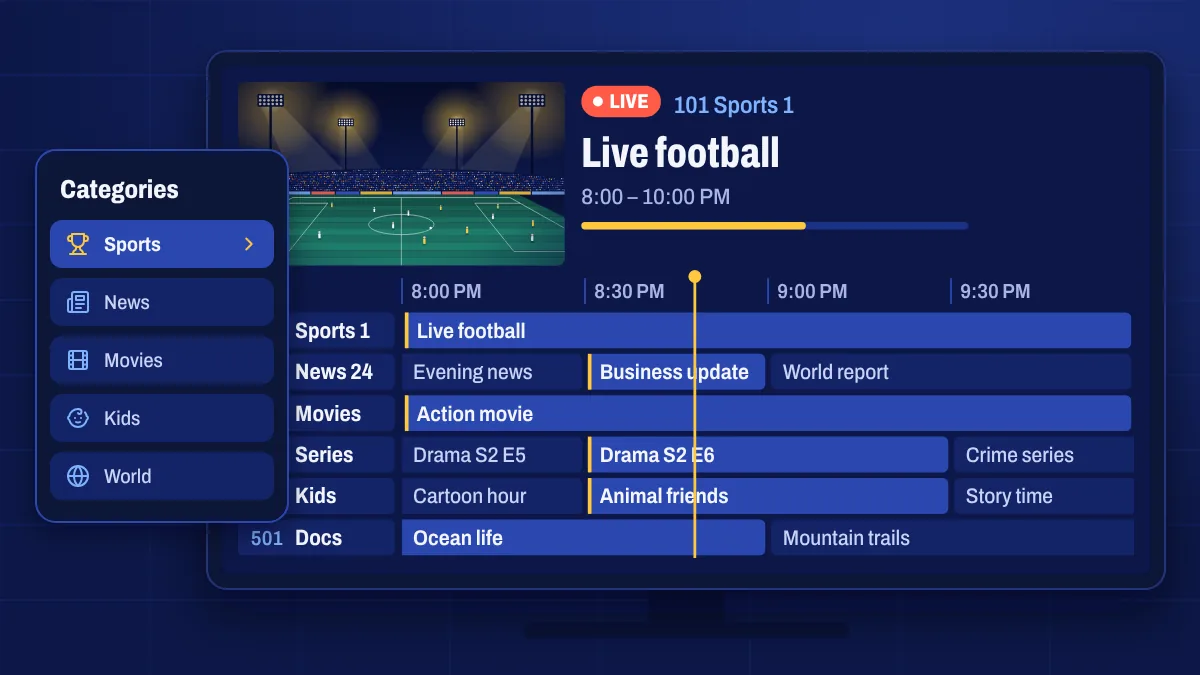
When you open the app, live channels are grouped by category and, for many categories, by country or language. You can:
- Browse by category, such as sports, news, kids or movies.
- Search by channel name when you know what you’re looking for.
- Save favourites so the channels you watch every day are one click away.
- Open the TV guide to see what’s on now and next across every channel.
Picture quality
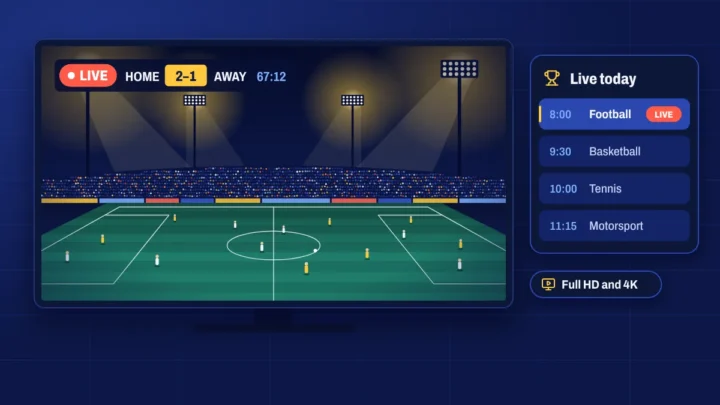
Many channels are available in more than one quality. Where a channel is offered in 4K or Full HD, you’ll usually see it listed separately or marked in its name. Choose the quality that suits your screen and connection: Full HD needs about 20 Mbps, 4K about 35 Mbps or more.
Live and on demand together
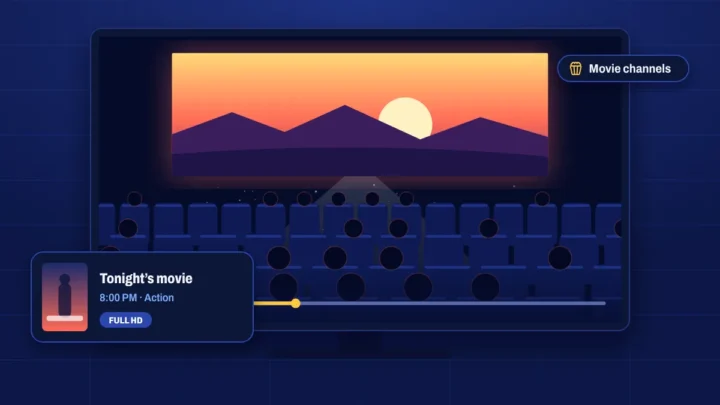
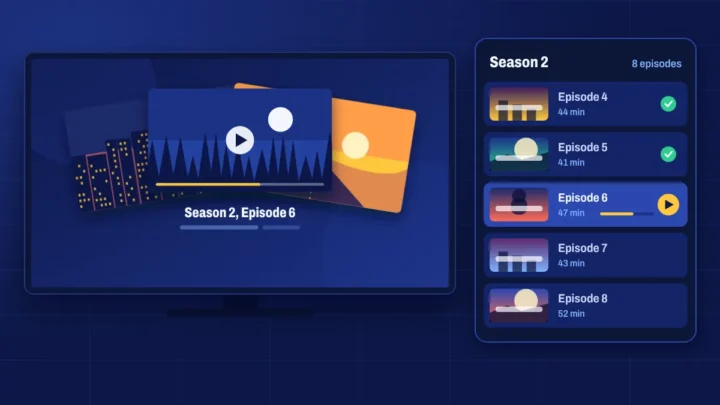
Live channels sit alongside the on-demand library of movies, TV series and documentaries. On supported channels, catch-up TV lets you go back to programmes that already aired.
A note on the lineup
Channel lineups change over time. Occasionally a channel is moved, renamed or goes offline for maintenance, and regional channels can follow their own schedules. If a channel you rely on stops working, open a ticket with the channel name and your device and we’ll look into it.
Channel questions
Can I check whether a specific channel is included?
Yes. Contact us with the channel names you care about before you buy and we’ll check the current lineup for you.
Why do some channels appear more than once?
Channels are often listed in several qualities, such as HD, Full HD and 4K, or in more than one category. Pick the version that plays best on your connection.
Do channels work outside my country?
The service streams over the internet, so it works wherever you have a good connection. Some channels follow their home country’s schedule, which the TV guide shows in your local time.