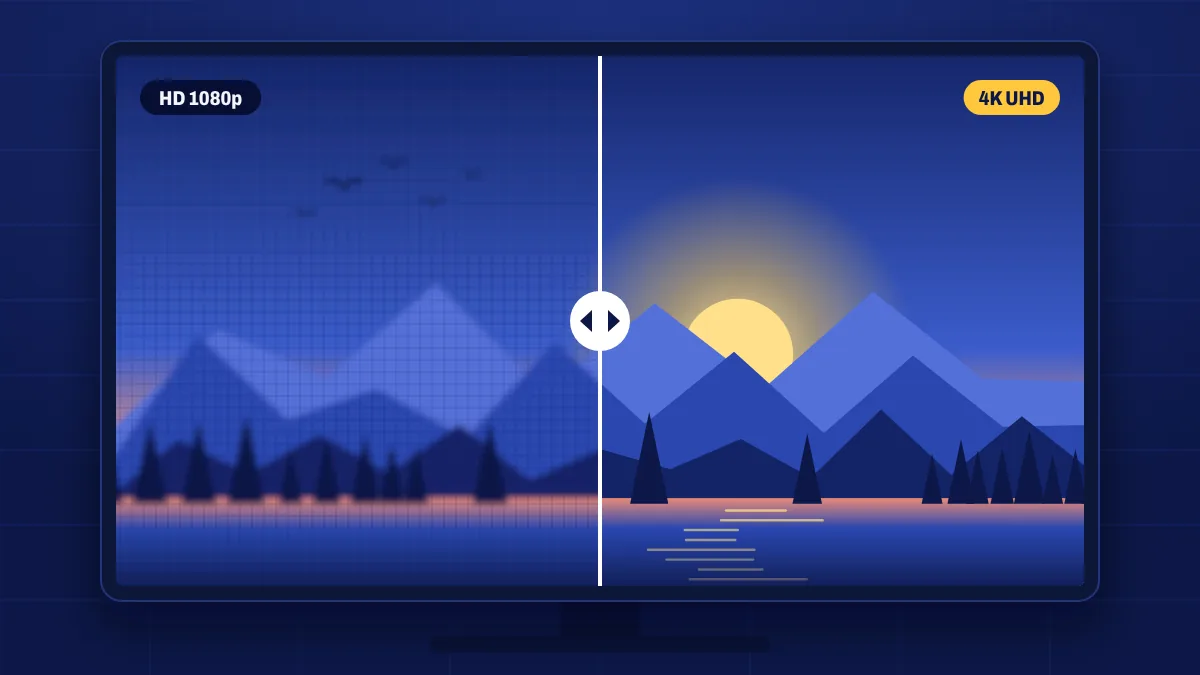
Apollo Group TV streams many channels and on-demand titles in Full HD (1080p), and selected channels and titles in 4K (2160p). Higher resolution means a sharper, more detailed picture, especially on large screens. Here’s how to make sure you’re actually seeing it.
HD, Full HD and 4K explained
| Quality | Resolution | Best for | Recommended speed |
|---|---|---|---|
| HD | 1280 × 720 | Phones, small TVs, slower connections | 15 Mbps |
| Full HD | 1920 × 1080 | Most TVs up to about 55 inches | 20 Mbps |
| 4K | 3840 × 2160 | Large 4K TVs | 35 Mbps or more |
These speeds include headroom, because live streams use more data during fast action like sport.
What you need for 4K
- A 4K TV (sometimes called Ultra HD or UHD).
- A 4K-capable device, such as a Fire TV Stick 4K Max on Fire OS, a recent Android TV or Google TV box, or a 4K smart TV’s built-in app. Older HD sticks can’t play 4K streams.
- A fast, stable connection: 35 Mbps or more, ideally over an Ethernet cable or 5 GHz Wi-Fi.
- An HDMI port and cable that support 4K, usually labelled HDMI 2.0 or newer, “Premium High Speed” or “Ultra High Speed”.
Finding 4K and Full HD content
Channels that are available in several qualities usually appear more than once, with the quality in the channel name, or in a separate 4K or UHD category. In the on-demand library, quality is shown in the title’s details. If you can’t find a 4K version of a channel, it may only be offered in Full HD.
Settings for the sharpest picture
- Check your device’s display settings are set to 2160p (4K) and the highest refresh rate your TV supports.
- Set your TV’s picture mode to Movie, Cinema or Filmmaker mode for accurate colour.
- Turn off motion smoothing if sport or films look unnaturally smooth.
- Choose the 4K or FHD version of the channel in your app.
When to choose a lower quality
If your connection is busy or slower than recommended, a steady Full HD picture looks better than a 4K picture that keeps pausing. On phones, HD looks sharp and saves mobile data.
4K questions
Why doesn’t my 4K channel look sharper?
Check that your device and TV are both outputting 4K, the HDMI cable supports 4K, and you’ve selected the 4K version of the channel. Some content is upscaled from lower resolutions by the broadcaster.
Is every channel available in 4K?
No. 4K is available on selected channels and titles. Many more channels are offered in Full HD.
Can I watch 4K on Wi-Fi?
Yes, if your Wi-Fi is fast and stable. Use 5 GHz Wi-Fi close to the router, or an Ethernet cable for the most reliable 4K.