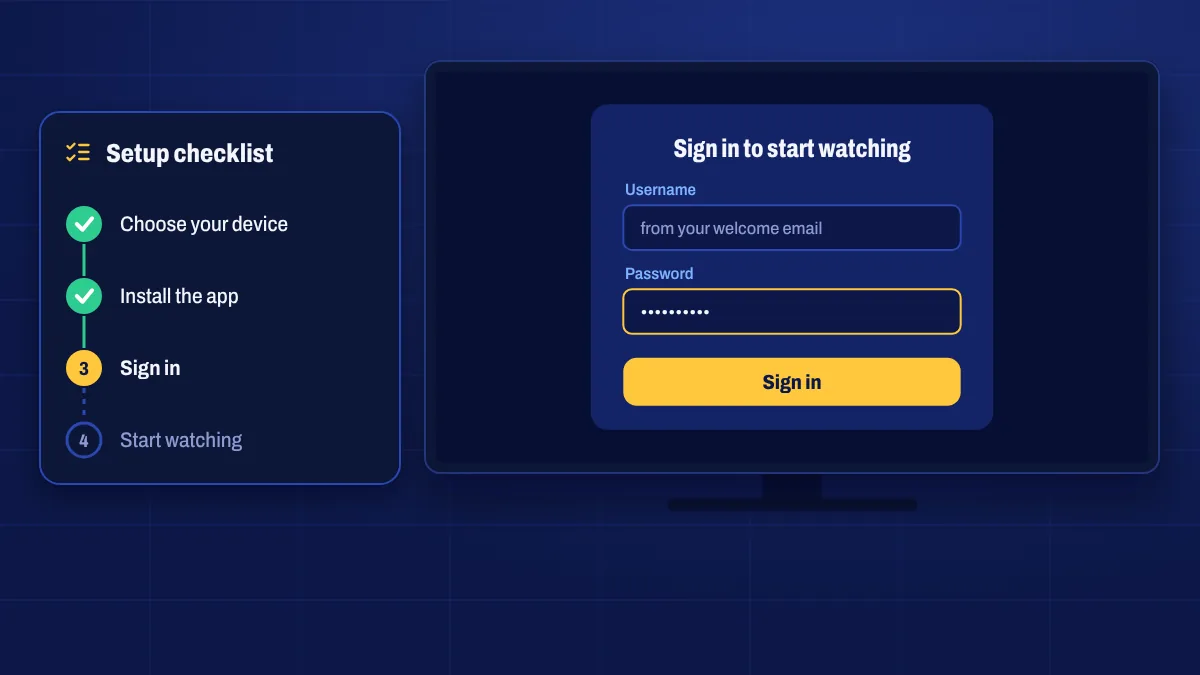
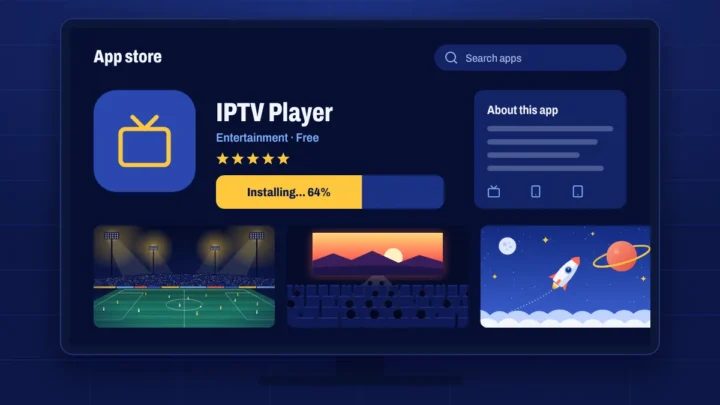
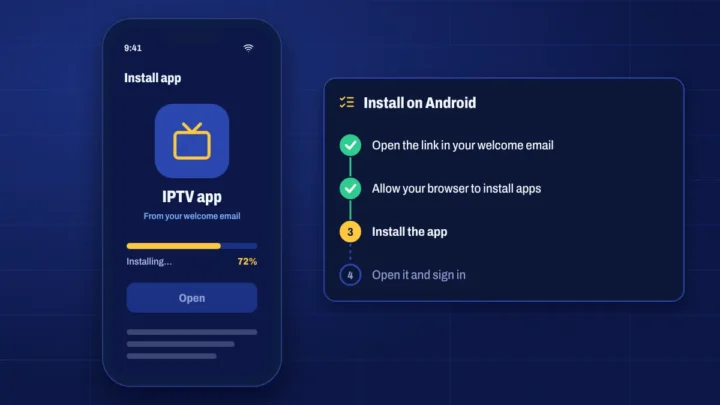
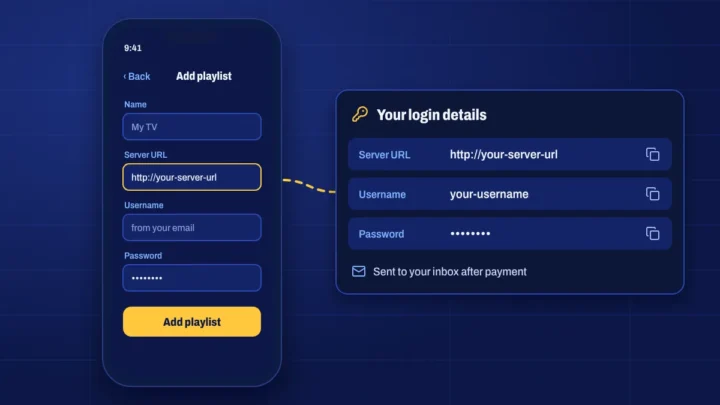
Choose your device above and follow the steps in order. Each guide takes about ten minutes, and you only do it once: when you renew, the app stays installed and your login keeps working.
Before you start
- Your welcome email, with your login details and the app download link or code. You’ll also find your details in My subscription.
- Your device’s remote, and a few minutes with the TV switched on.
- A stable connection: about 20 Mbps for Full HD, 35 Mbps or more for 4K.
Only install apps from the link in your welcome email or from your device’s official app store. If you can’t find the email, check your spam folder or contact us.
Other devices
- MAG boxes connect through a portal linked to the box’s MAC address. See the MAG page.
- Enigma2 receivers use plugins or playlists. See the Enigma2 page.
- Windows and Mac use an IPTV player app. See Windows & Mac.
After you sign in
- Let the TV guide load. It can take a minute the first time.
- Set your favourites so the channels you watch most are easy to reach.
- Check parental controls if children use the device. See kids channels.
- Test a channel in 4K or Full HD to see what your connection handles.
Stuck?
Most problems come down to a typo in the login details, a device that needs a restart or Wi-Fi that’s too weak. Try those first, then submit a ticket with your device model, what you tried and any error message, and we’ll help you fix it.