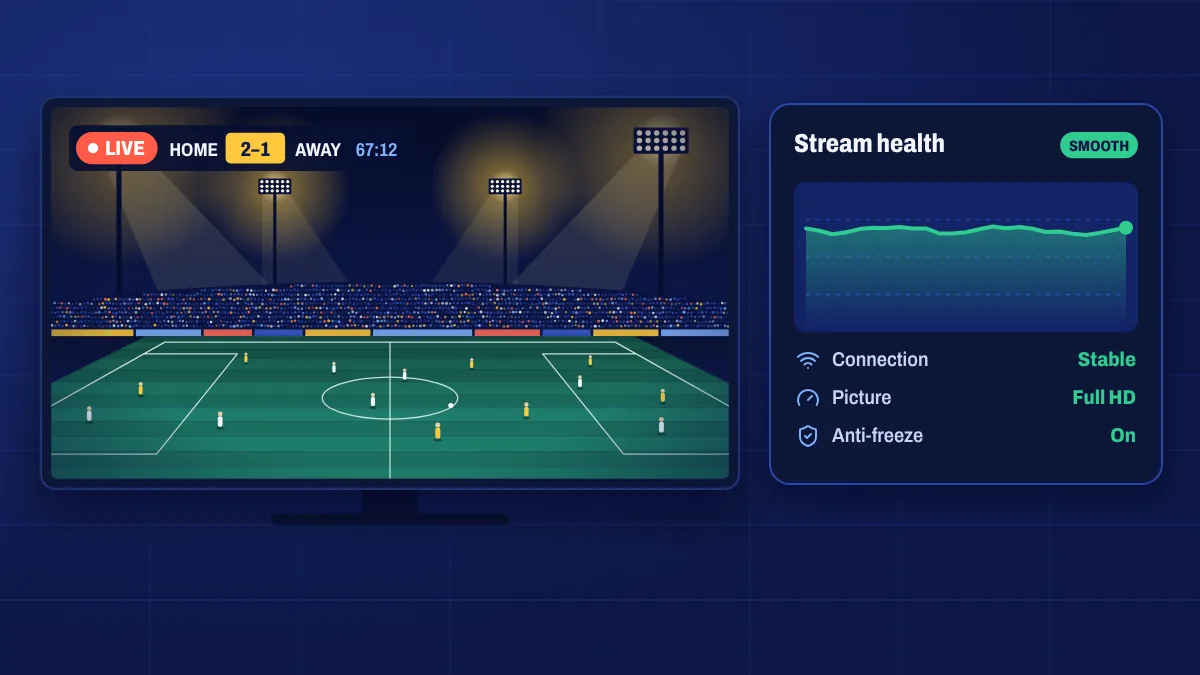
Few things are more frustrating than a picture that freezes during a goal or a plot twist. “Anti-freeze” describes the steps taken on the service side to keep streams stable, especially at peak times like big matches. Here’s what that means in practice, and what you can do at home for the smoothest picture.
What anti-freeze means
On the service side, anti-freeze is about keeping streams available and steady even when demand spikes:
- Load balancing spreads viewers across servers so no single server is overloaded.
- Stable stream sources reduce the number of channels that drop out.
- Several quality options on many channels, so you can switch to a lighter stream if your connection struggles.
No service can promise that a stream will never pause. Freezing can also start anywhere between the server and your screen, most often inside your home. That’s why the home side matters just as much.
What causes freezing at home
- Wi-Fi interference: walls, distance, microwaves and neighbouring networks.
- A busy connection: downloads, game updates and other streams in the house.
- An overloaded device: older sticks with little memory or full storage.
- Evening slowdowns on some internet connections when everyone is online.
Fixes that work
- Use an Ethernet cable, or an adapter for streaming sticks. This is the biggest single improvement.
- Switch to 5 GHz Wi-Fi and keep the device close to the router if you can’t use a cable.
- Restart your device and router once a week, and before big events.
- Clear the app cache in your device’s app settings.
- Pause other heavy traffic while you watch live sport.
- Pick a lower quality for that channel if the problem continues.
Our full guide to stopping IPTV buffering walks through each fix in detail.
When to contact us
If several channels freeze at the same time on a good wired connection, let us know. Open a ticket with the channel names, the time it happened, your device and a speed test result. Those details help us tell quickly whether the issue is on our side or in your network.
Anti-freeze questions
Does anti-freeze mean it never buffers?
No service can guarantee that. Anti-freeze reduces problems on the service side; a stable home connection takes care of most of the rest.
Why does only one channel freeze?
If only one channel has a problem, that channel’s source may be having trouble. Try another quality of the same channel, or try again a little later.
Will a faster internet plan fix freezing?
Only if your connection is too slow. Most freezing at home is caused by Wi-Fi, not speed, so try a cable first.