In this guide
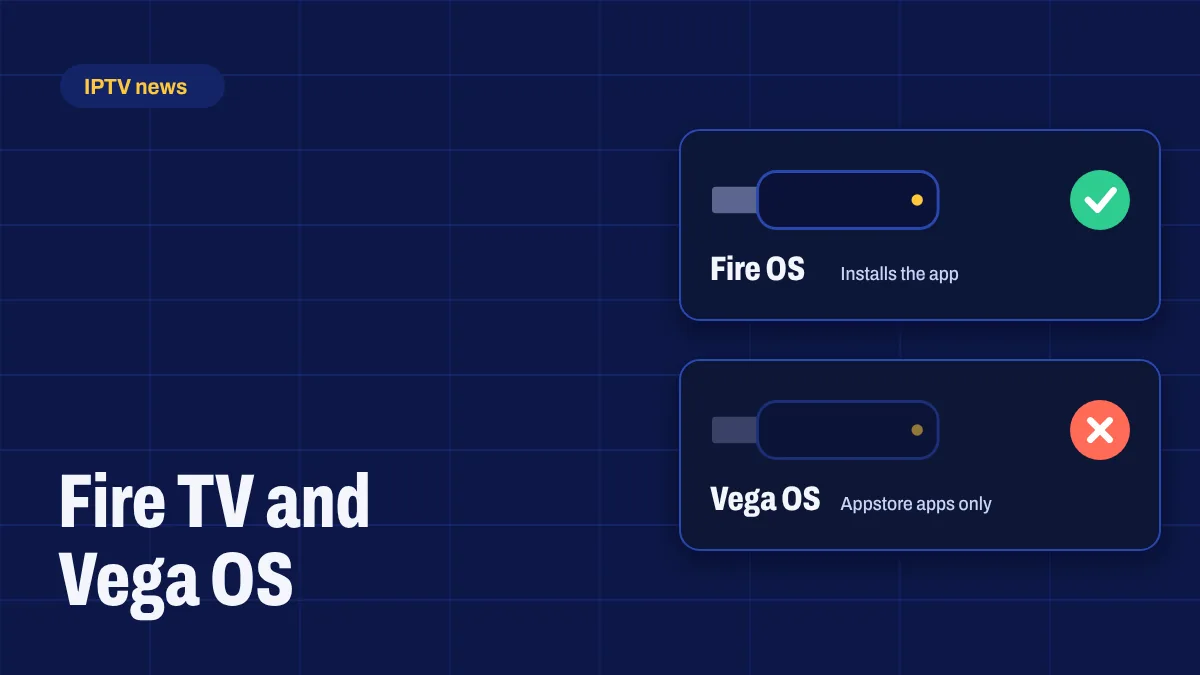
For years, the Amazon Fire TV Stick was the go-to device for IPTV: cheap, easy to find and able to install apps from outside the Amazon Appstore. That’s changing. Amazon is moving its Fire TV Sticks to a new operating system called Vega OS, and Vega OS devices can’t install apps from outside the Appstore. If you’re buying a Firestick for Apollo Group TV, this matters.
What is Vega OS?
Vega OS is Amazon’s own Linux-based system for Fire TV. It replaces Fire OS, which is based on Android. Because Fire OS runs Android apps, you could install apps on it with a tool like Downloader. Vega OS doesn’t run Android apps in the same way, and Amazon only allows apps from the Amazon Appstore on it. In practice, that means IPTV apps that aren’t in the Appstore can’t be installed on a Vega OS device.
Which Fire TV devices run Vega OS?
As of October 2026:
| Device | System | Can install the app? |
|---|---|---|
| Fire TV Stick 4K Select (2025) | Vega OS | No |
| Fire TV Stick HD (2026) | Vega OS | No |
| Fire TV Stick 4K (2026) | Vega OS | No |
| Fire TV Stick 4K Max | Fire OS | Yes |
| Fire TV Cube | Fire OS | Yes |
| Fire TV Stick and Fire TV Stick 4K bought before 2026 | Fire OS | Yes |
Amazon’s developer site states that, starting with the Fire TV Stick 4K Select, all future Fire TV Sticks will run Vega OS. Some Fire OS models are still on sale for now, but expect that list to shrink.
The new 2026 Fire TV Stick 4K has the same name as older Fire OS models. Don’t rely on the name alone: check the system, or the release year, before you buy.
How to check your Fire TV
- Go to Settings → My Fire TV → About.
- Look at the software or system version.
- If it mentions Fire OS, follow our Firestick setup guide. If it mentions Vega OS, the device can’t install the app.
Buying online? Check the product listing’s technical details for “Fire OS” or “Vega OS”, and the model’s release year. If the listing doesn’t say, look for the model name and year in reviews.
What to buy instead
- Fire TV Stick 4K Max or Fire TV Cube, while they still run Fire OS. Both are fast and support 4K.
- A Google TV device, such as the Google TV Streamer, or an Android TV box from a known brand. They install apps after you turn on developer mode. See our article on the Google TV Streamer.
- A smart TV with Google TV or Android TV built in, which avoids an extra device altogether.
Our Firestick vs Android TV box comparison goes through the pros and cons in detail.
Already bought a Vega OS stick?
If it’s new, check the seller’s return window: many retailers accept returns within a set number of days. If you’d rather keep it for other streaming apps, you can still use Apollo Group TV on another device in the house, such as a smart TV, Android device or iPhone or iPad.
Does this affect my current Firestick?
If your Fire TV runs Fire OS, it keeps working as it does today: Vega OS comes with new devices rather than replacing the system on existing ones. Keep the app and your device updated, and contact us if anything changes after an update.
The bottom line
Fire OS Firesticks are still a great way to watch Apollo Group TV, but the newest models aren’t. Before you buy, check for Fire OS, or choose a Google TV device. Not sure what to get? Ask us with the model you’re looking at and we’ll tell you if it works.
1 comment
Comments are closed.