In this guide
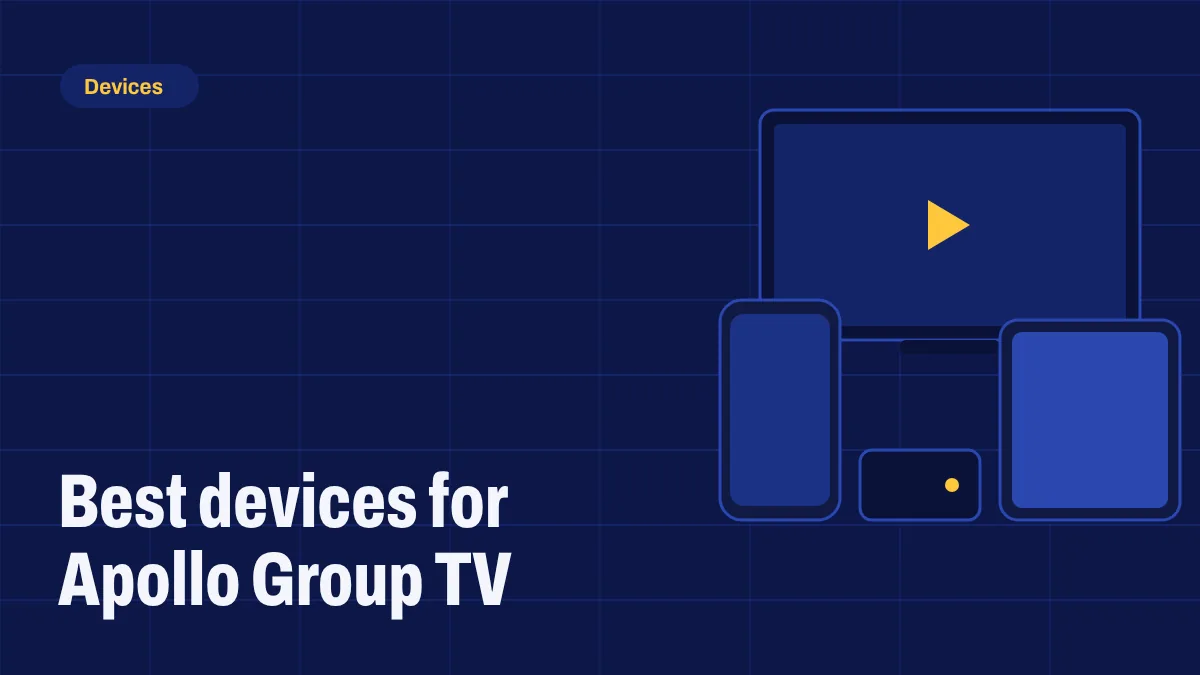
Apollo Group TV runs best on devices with an Android-based system that lets you install apps: Fire OS, Android TV and Google TV. Here are our picks, what to look for and which devices to check before you buy.
What to look for
- An Android-based system: Fire OS, Android TV or Google TV.
- 5 GHz Wi-Fi or an Ethernet port for a steady connection.
- At least 2 GB of memory and 8 GB of storage so the app runs smoothly.
- Recent software updates from the manufacturer.
Amazon Fire TV Stick 4K Max and Fire TV Cube (Fire OS)
Affordable, easy to find and simple to set up, as long as the model runs Fire OS. Amazon’s newest sticks, including the Fire TV Stick 4K Select and the 2026 Fire TV Stick HD and Fire TV Stick 4K, run Vega OS, which can’t install apps from outside the Appstore, so check the model before you buy. Follow our Firestick setup guide, and read what Vega OS means for IPTV.
Google TV Streamer and Chromecast with Google TV
Google’s devices run Google TV, have a clean interface and support installing apps once developer mode is turned on. The Google TV Streamer, which replaced the Chromecast with Google TV, also has an Ethernet port. See what the change means for IPTV.
NVIDIA Shield TV
A powerful Android TV box with an Ethernet port. It’s more expensive, but it’s fast and has a long record of software updates.
onn and other Google TV boxes
Budget Google TV boxes, such as onn models, are good value. Pick one with an Ethernet port if your router is nearby.
Android phones and tablets
Great for watching around the house or on the go. Use Wi-Fi when you can to save mobile data.
Smart TVs with Google TV or Android TV built in
Many Sony, TCL and Philips TVs run Google TV or Android TV, so you can install the app without an extra device.
Devices to check before you buy
- Fire TV models with Vega OS, such as the Fire TV Stick 4K Select and the 2026 Fire TV Stick HD and 4K, can’t install the app.
- Roku devices can’t install Android apps.
- Apple TV, Samsung (Tizen) and LG (webOS) use their own systems. Some work with third-party IPTV players; ask us about your model.
Our recommendation
For most people, a Google TV device or a Fire TV Stick 4K Max on Fire OS gives the best mix of price and performance. If you watch a lot of live sport, connect with Ethernet. Then follow the setup guide and you’ll be watching in minutes.