In this guide
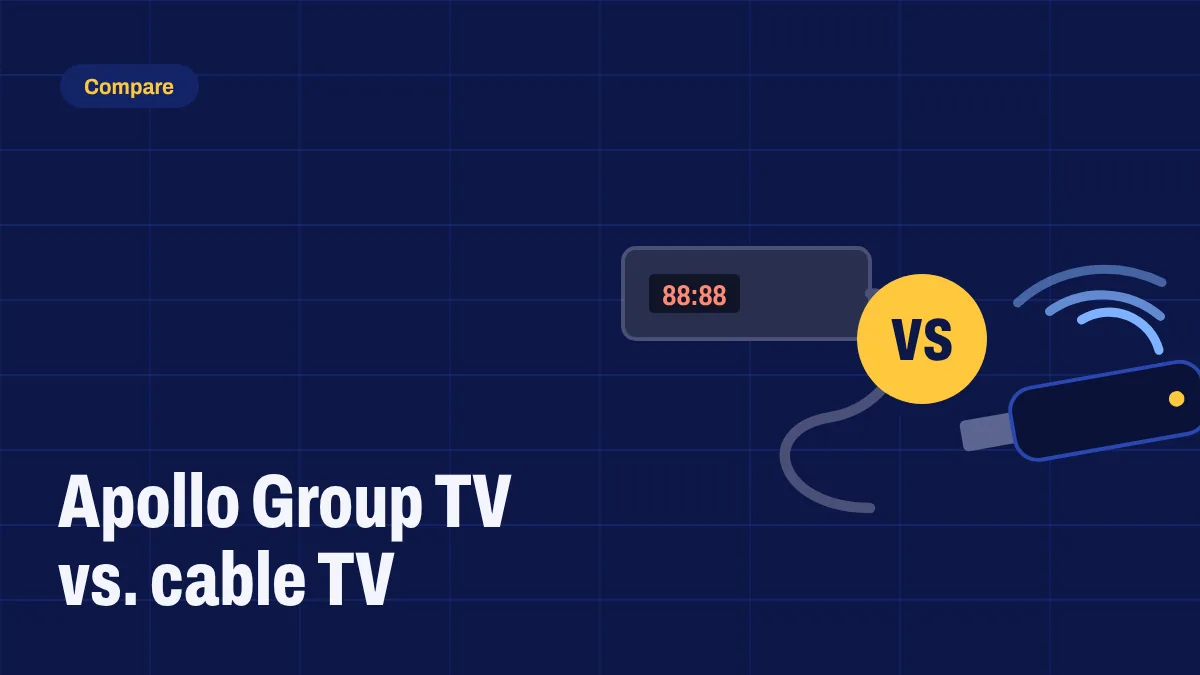
Cable TV has been the default for decades, but more households now watch live TV over the internet. Here’s an honest comparison of Apollo Group TV and a typical cable package, including where cable still has the edge.
At a glance
| Apollo Group TV | Typical cable package | |
|---|---|---|
| Contract | None. Choose 1 to 12 months | Often 12 to 24 months |
| Equipment | Your own streaming device | Rented set-top box |
| Installation | Install the app yourself | Technician visit is common |
| Phones and tablets | Included | Depends on the provider |
| Movies and series on demand | Included | Often an add-on |
| Needs good internet | Yes | No |
Cost
Cable bills usually combine a base package, premium add-ons, box rental and fees, and the price often rises after an introductory period. With Apollo Group TV you pay one price for the plan length you choose, and longer plans cost less per month. You can see current prices at the end of this article.
Contracts and flexibility
Many cable deals lock you in for one or two years, with early cancellation fees. Apollo Group TV plans run for 1, 3, 6 or 12 months, so you choose how long to commit.
Equipment and installation
Cable usually means a rented box and sometimes a technician visit. Apollo Group TV runs on devices you may already own, such as a Fire TV Stick, an Android TV box or a Google TV, and you install the app yourself in about ten minutes using our setup guide.
Watching on more screens
Cable is built around the TV in your living room. With Apollo Group TV, the same subscription works on phones, tablets and other compatible devices, within the number of connections included with your subscription. See multi-device support.
Where cable still wins
- It doesn’t depend on your broadband. If your internet is slow or unreliable, cable will be steadier.
- It works on any TV without installing apps.
If your connection is under about 20 Mbps, read what internet speed you need for IPTV before switching.
How to switch without missing anything
- Test your internet speed on the device you’ll watch on.
- Check your device is supported, or ask us.
- Pick a plan and follow the setup guide.
- Keep cable for a few weeks if you can, and cancel once you’re happy.
Current plans
1 month
$24.99
One payment, one month
Try Apollo Group TV on all your devices.
Buy 1 monthPlan details3 months
$64.99
$21.66 a monthSave 13%
Covers a full season of your favorite shows.
Buy 3 monthsPlan details6 months
$119.99
$19.99 a monthSave 19%
Half a year at a lower monthly cost.
Buy 6 monthsPlan detailsBest value
12 months
$199.99
$16.66 a monthSave 33%
The lowest price per month.
Buy 12 monthsPlan details
Every plan includes
- Full live channel lineup
- Movies and series on demand
- TV guide (EPG) and catch-up
- Works on all your devices
- Pay with Bitcoin
- 24-hour refund window
Prices are in US dollars. You pay the Bitcoin equivalent at the live rate shown at checkout. Questions before you buy? Contact us.