In this guide
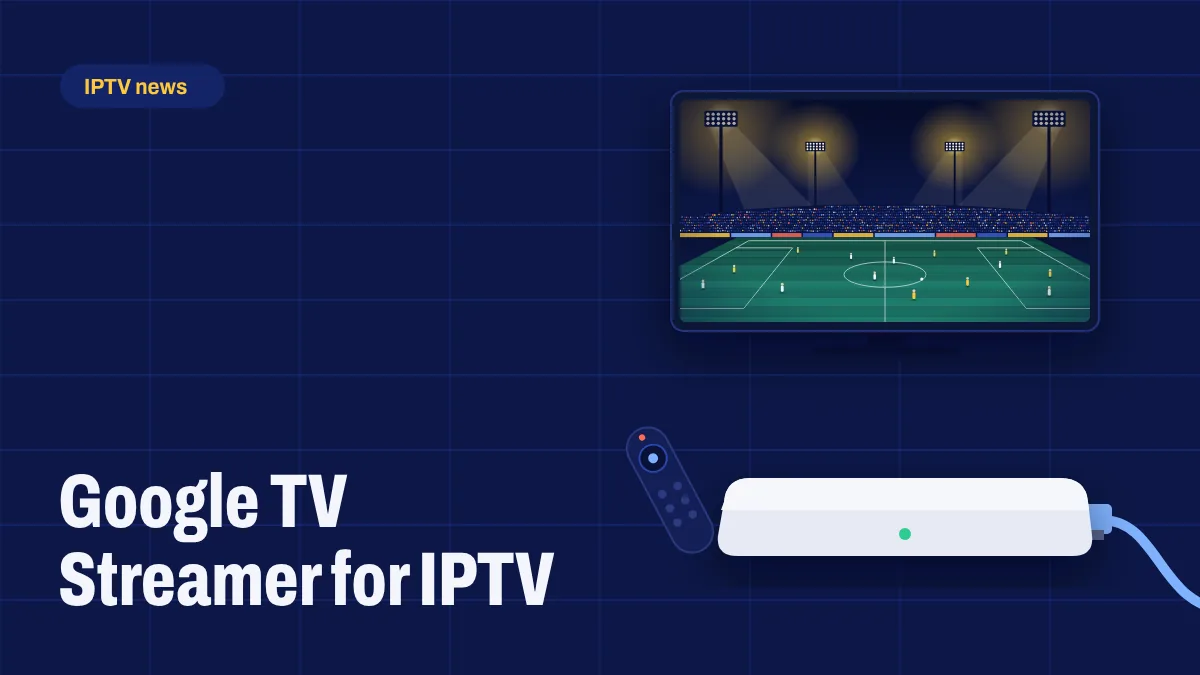
The Chromecast with Google TV was one of the most popular devices for IPTV: small, affordable and running full Google TV. Google discontinued it and replaced it with the Google TV Streamer, a small box that sits next to your TV instead of hanging behind it. If you’re shopping for a Google device to watch Apollo Group TV, here’s what you need to know.
What happened to Chromecast?
Google announced in August 2024 that it was ending the Chromecast line after more than a decade, and introduced the Google TV Streamer as its successor. Chromecast with Google TV devices were sold while stocks lasted. Existing Chromecasts keep working and receiving support, but you won’t find new ones in most shops today.
What’s different about the Google TV Streamer?
- A box, not a dongle. It sits on your TV stand and connects with an HDMI cable.
- An Ethernet port built in, which is great news for live sport: no adapter needed.
- More storage and memory than the old Chromecast, so apps open faster and there’s room for the apps you use.
- 4K with Dolby Vision and HDR10+, and Dolby Atmos sound through a compatible soundbar or receiver.
- Smart home features, such as a built-in hub for some smart home devices.
It’s more expensive than the old Chromecast, so it’s worth weighing against other Google TV boxes if you only need it for TV.
Does it work with Apollo Group TV?
Yes. The Google TV Streamer runs Google TV, which is based on Android TV. You can install apps from the Google Play Store and, after turning on developer mode, install apps from a link using a downloader app. Our Smart TV setup guide and Android setup guide cover the Google TV steps.
Installing apps on Google TV, in short
- Install Downloader from the Google Play Store.
- Turn on developer mode: Settings → System → About, then press Android TV OS build seven times.
- Allow Downloader under Settings → Apps → Security & restrictions → Unknown sources.
- Enter the link or code from your welcome email and install the app.
- Sign in with your login details.
Google TV Streamer vs other options
| Device | Strengths | Things to consider |
|---|---|---|
| Google TV Streamer | Built-in Ethernet, fast, 4K HDR | Higher price than a stick |
| Chromecast with Google TV (if you have one) | Compact, still works well | Discontinued; adapter needed for Ethernet |
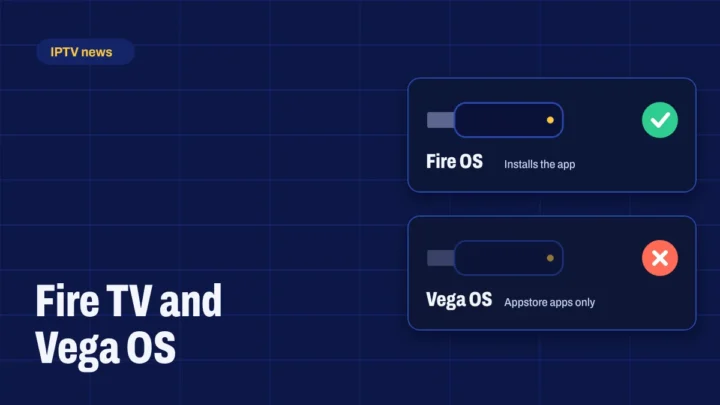
| Fire TV Stick 4K Max (Fire OS) | Low price, fast | Newer Fire TV Sticks run Vega OS; see our Vega OS article |
| Google TV smart TVs | No extra device needed | Speed depends on the TV model |
Our verdict
For a dedicated living-room device, the Google TV Streamer is an excellent choice for Apollo Group TV, especially if you watch live sport and can plug in an Ethernet cable. If you still have a Chromecast with Google TV, there’s no rush to replace it. And if you’re on a tighter budget, a Fire OS Firestick or a well-known Android TV box are good alternatives. See all supported devices.

1 comment
Comments are closed.