In this guide
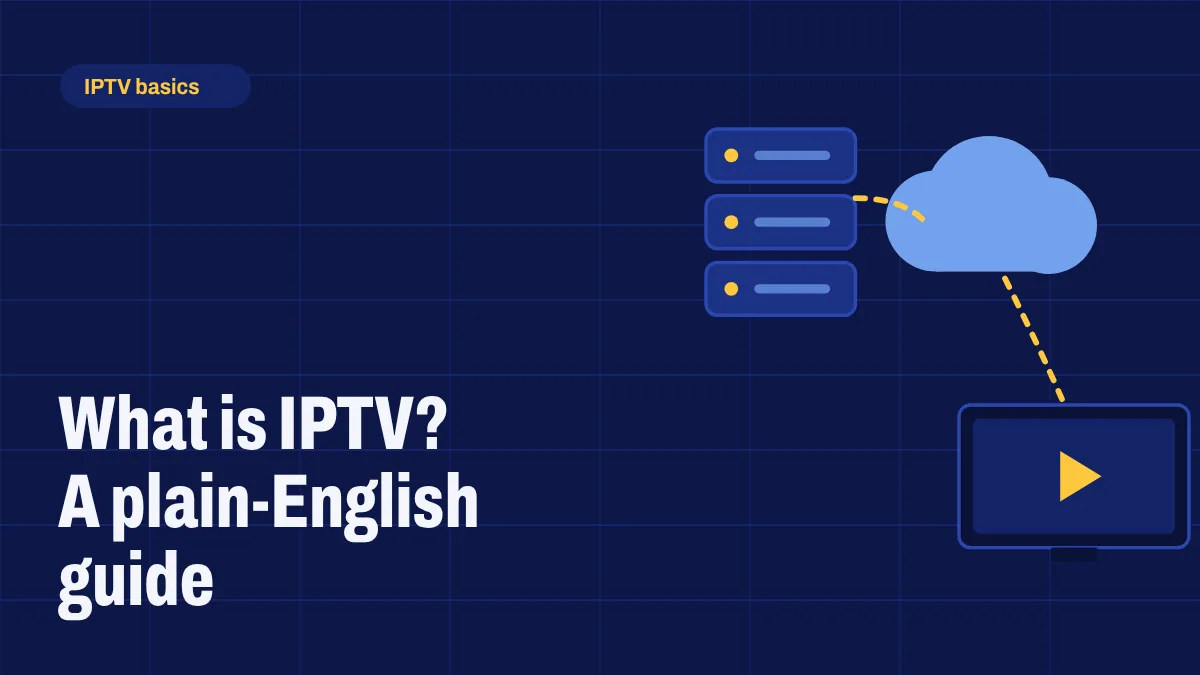
IPTV stands for Internet Protocol Television: TV delivered over your internet connection instead of a cable, satellite dish or antenna. If you’ve used a streaming app, you already know the basic idea. IPTV adds live channels and a TV guide to the on-demand library you’re used to.
How IPTV works
A provider receives TV channels and stores films and series on its servers. When you pick a channel, the stream travels over the internet to an app on your device, which decodes it and plays it on screen. Because everything arrives through your broadband line, you don’t need a cable box, a dish or a technician visit.
The three kinds of IPTV content
- Live TV: regular channels as they air, with a TV guide (often called the EPG) that shows what’s on now and next.
- Video on demand: movies and series you can start whenever you like.
- Catch-up: on some channels, the option to watch programmes that aired earlier.
IPTV vs. Netflix-style streaming apps
Apps like Netflix are on-demand only: you choose a title and press play. IPTV services such as Apollo Group TV combine live channels and on-demand content in one app, so you can flick between sport, news and films the way you would with cable.
What you need to watch IPTV
- Internet: at least 20 Mbps for HD is a comfortable starting point. See how much speed you need.
- A compatible device: Fire TV (Fire OS models), Android TV, Google TV, Android phones and tablets, and many smart TVs.
- A subscription and the app: your provider gives you login details and tells you which app to install.
Pros and cons
The main advantages:
- Usually cheaper than a cable package, with no box rental.
- No long contract: plans often run from one month to a year.
- Watch on several devices, including phones and tablets.
- Quick to set up yourself.
And the trade-offs:
- Picture quality depends on your internet connection and home Wi-Fi.
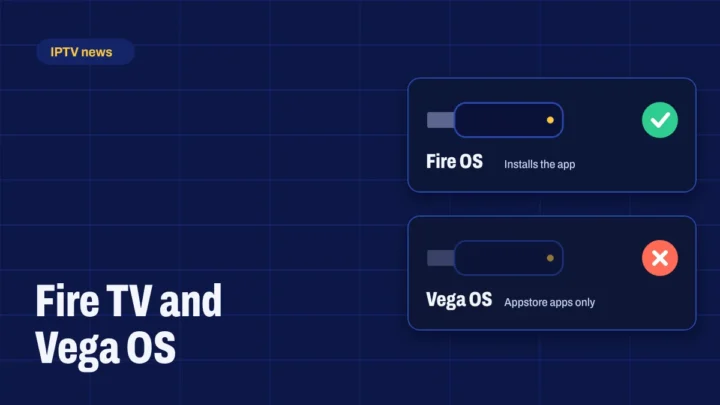
- Some devices, like Roku and newer Vega OS Fire TV models, can’t install the apps.
- Channels can occasionally go offline for maintenance.
How to choose an IPTV service
- Check the channel lineup covers what you watch most.
- Check device support before you pay.
- Look for a TV guide that’s complete and accurate.
- Prefer clear pricing with no surprise renewals.
- Buy from the official provider or an authorized reseller, and avoid offers that look too good to be true.
- Make sure help is available if something goes wrong.
Getting started with Apollo Group TV
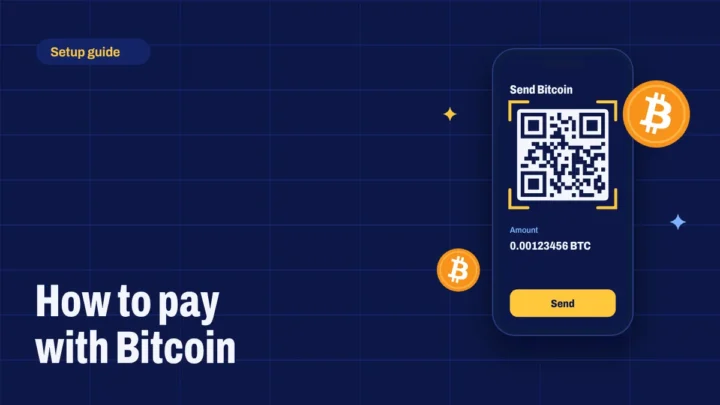
Compare the plans and prices, pay with Bitcoin and you’ll get your login details by email. Our setup guides cover each device step by step, and How It Works explains the whole process.